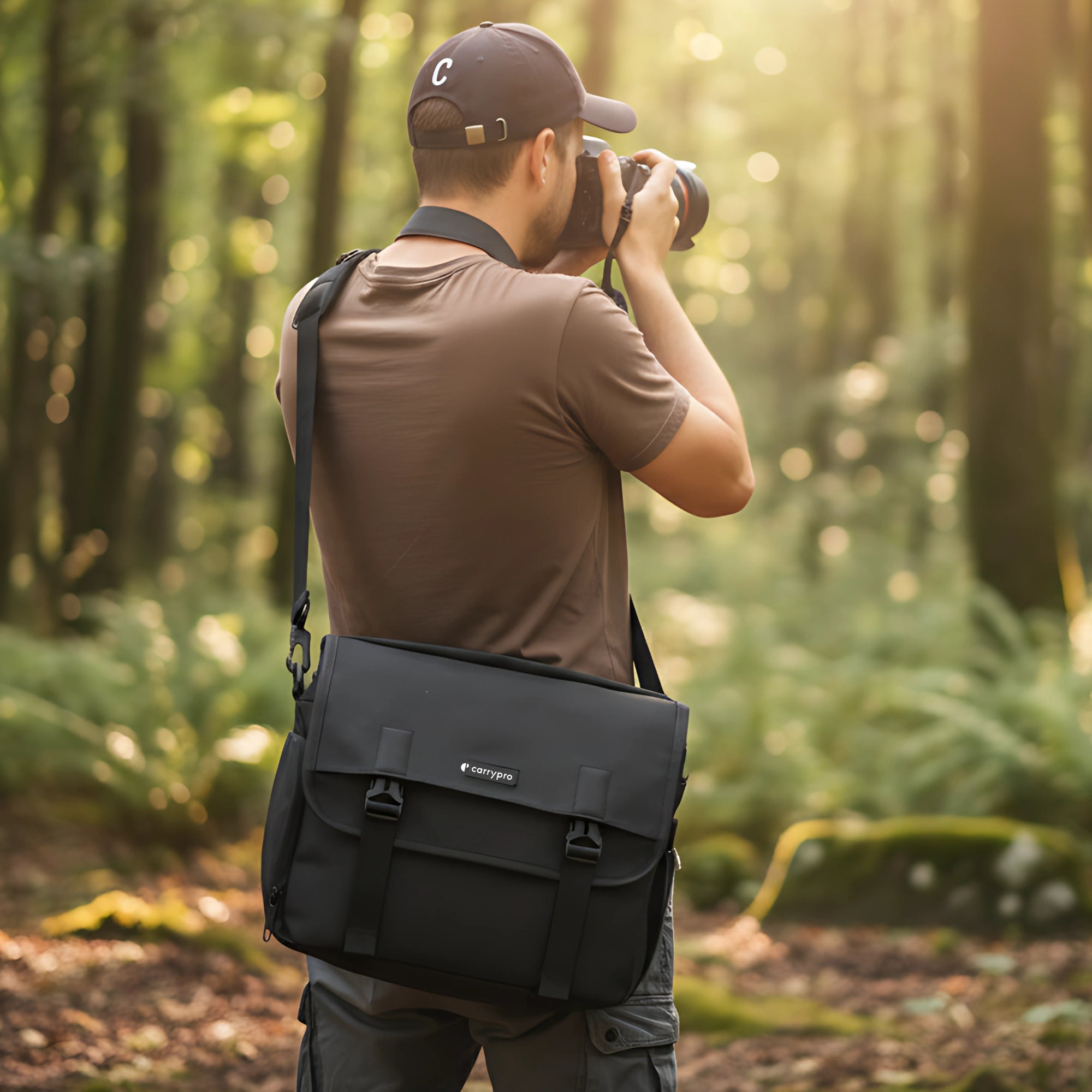
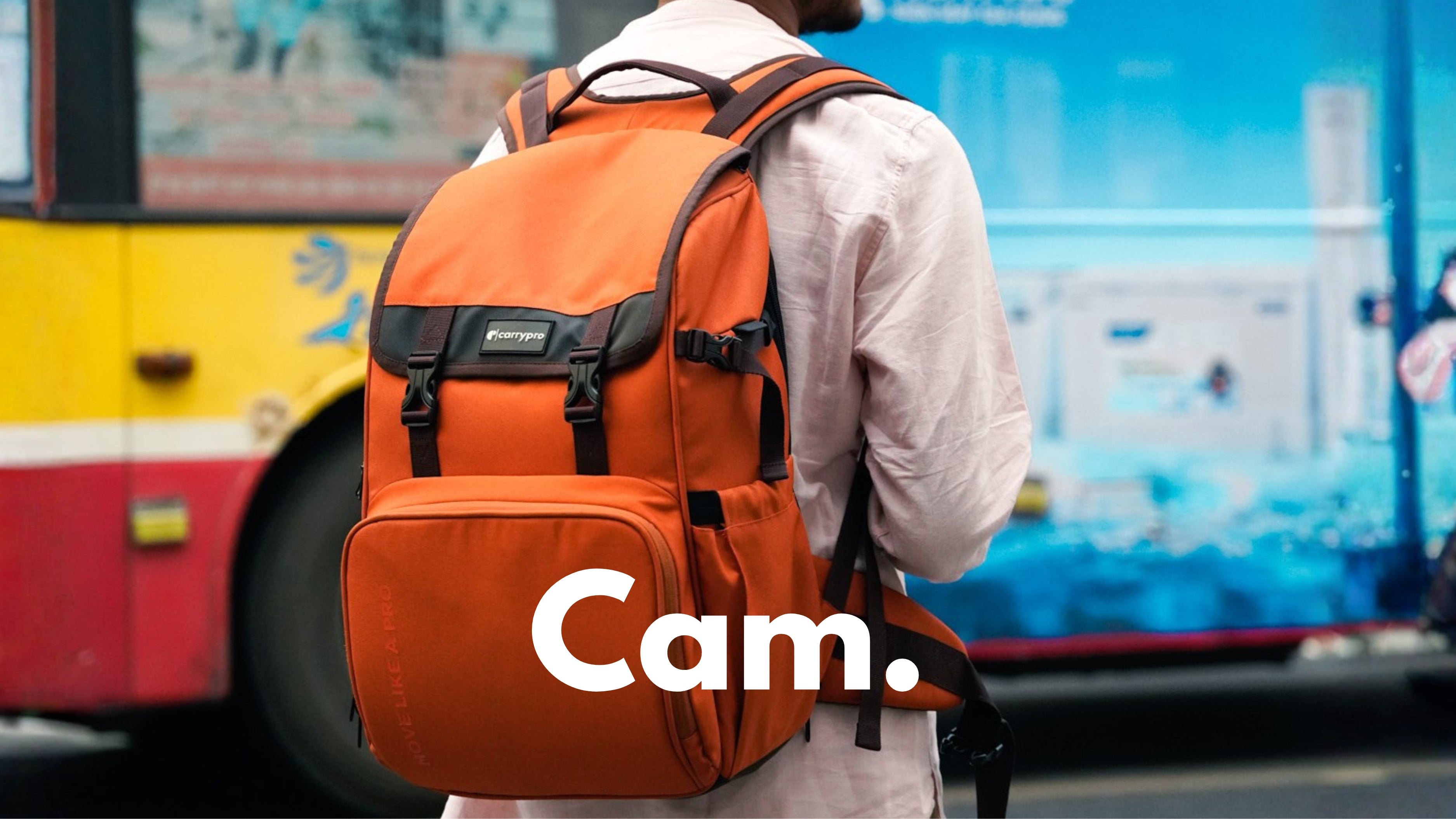

A camera body and a laptop are the two most expensive items most travellers carry. Putting both inside the same backpack without proper separation leads to scratched screens, dented lens barrels, and cracked filter rings. The fix is not buying two bags. A single well-designed backpack with the right internal layout keeps both items safe and accessible.
Why Carrying Both in One Bag Is Tricky
A laptop is flat, rigid, and fragile at the screen. A camera body with an attached lens is bulky, heavy, and fragile at the mount. When packed together in a single compartment, the camera lens presses against the laptop screen during transit. Every jostle, every bump on a bus, every time the bag gets set down hard pushes one into the other.
Keeping them in the same main compartment without dividers is the most common cause of damage. A separate, dedicated space for each item solves this completely.
The Backpack Layout That Protects Both
A camera backpack with a laptop compartment uses a simple three-zone layout that prevents the camera and laptop from ever touching each other.
Zone 1: Rear Laptop Compartment
The laptop sits in a padded sleeve against the back panel of the bag, closest to the wearer's spine. A suspended sleeve (one that does not reach the bottom of the bag) adds drop protection. When the bag is set down, the laptop floats above the impact point instead of hitting the ground through the fabric.
Zone 2: Lower Camera Compartment
The camera body and lenses sit in the lower section of the bag, separated by padded dividers. A detachable camera cube keeps this section modular. On non-shooting days, removing the cube frees up the entire lower section for clothes or other gear.
Zone 3: Upper General Storage
Clothes, cables, charger, toiletries, and personal items go in the upper section above the camera compartment. Placing soft items (rolled t-shirts, a jacket) between the camera section and the top of the bag adds an extra buffer layer.
The Pango camera backpack uses exactly this three-zone layout, with a padded laptop compartment fitting up to 15.6 inches, a detachable camera cube with five dividers, and an upper section for travel essentials.
How to Pack the Camera Section
Proper camera packing inside a backpack follows a few rules that prevent gear from shifting during movement.
Attach the Lens You Use Most
Pack the camera body with the most-used lens attached. Removing and reattaching lenses in the field exposes the sensor to dust. A body with a standard zoom mounted is also more space-efficient than a body and a detached lens packed separately.
Use Padded Dividers for Every Item
Every lens, flash, and battery grip gets its own padded slot. Foam dividers with velcro bases let you customise the layout to match your specific gear. No two photographers carry the same kit, so adjustable dividers matter more than fixed compartments. For photographers who want to turn a non-camera backpack into a camera bag, a guide on camera inserts covers how to add padded protection to any bag.
Lens Caps On, Always
Front and rear lens caps prevent glass-to-glass contact if dividers shift during rough transit. A missing rear lens cap also exposes the rear element to dust and scratches.
How to Pack the Laptop Section
A laptop needs less customisation but more padding discipline.
Use the Dedicated Sleeve, Not the Main Compartment
Placing the laptop loose inside the main compartment, even in a sleeve, allows it to shift and press against camera gear. A dedicated rear compartment with its own zipper access keeps the laptop isolated and accessible without opening the main bag.
Add a Sleeve for Extra Protection
A thin neoprene laptop sleeve adds a layer between the laptop and the bag's internal walls. For a 15.6-inch laptop that weighs 2 kg, the sleeve adds about 150 grams but significantly reduces impact transfer. The backpack size guide covers which bag capacities fit which laptop sizes.
What Backpack Size Fits Both?
A 25 to 35 litre backpack is the minimum for carrying a camera and laptop together. Bags under 25L force compromises, either dropping a lens or leaving the laptop behind.
According to a 2025 report by Statista, photographers increasingly travel with both a camera and a laptop for on-the-go editing, making dual-compartment bags one of the fastest-growing segments in camera bag sales.
A 30L backpack like the Pango holds a camera body, 2 to 3 lenses, a 15.6-inch laptop, and enough room for a day's worth of personal items. For longer trips where clothes need to fit too, a 40L travel backpack with a camera insert handles both travel and photography in one bag.
What Features to Prioritise
Not all camera-laptop backpacks are built the same. A few features separate bags that protect gear from bags that just hold it.
Side or Bottom Camera Access
A side-access zip lets you pull the camera out without removing the bag from your back. Bottom access works for tripod-mounted shooting. Top-only access means unpacking the upper section every time you need the camera.
Water-Resistant Fabric With Rain Cover
A rain cover protects both the camera and laptop during sudden downpours. Water-resistant fabric handles light rain and splashes. A dedicated rain cover handles sustained monsoon showers. The guide on camera bags that fit a laptop covers weather protection in detail.
Comfortable Carry for Heavy Loads
A camera, 2 lenses, a laptop, a charger, and a water bottle can easily total 6 to 7 kg. Padded shoulder straps, a sternum strap, and a hip belt distribute that weight properly across the body instead of concentrating it on the shoulders.
One Bag. Both Safe. Every Trip.
A camera and a laptop belong in the same backpack when that backpack has the right internal structure. Separate compartments, padded dividers, and a suspended laptop sleeve keep both protected without doubling your luggage. Check the camera backpack collection for bags designed to carry camera gear and a laptop in one pack.
Carry your gear properly.
Browse our full range of camera backpacks, including rolltop camera backpacks for variable loads, photographer-specific backpacks with deeper lens compartments, and camera sling bags for grab-and-go shoots.
Frequently Asked Questions
Can I carry a camera and laptop in the same backpack?
Yes, if the backpack has a separate padded laptop compartment and a divided camera section. Bags without internal separation risk damage to both items.
What size backpack fits a camera and a 15.6-inch laptop?
A 25 to 35 litre backpack with a dedicated laptop compartment fits a camera body, 2 to 3 lenses, and a 15.6-inch laptop comfortably.
Should I use a camera insert or a dedicated camera backpack?
A dedicated camera backpack offers better protection and access. A camera insert inside a regular backpack offers more flexibility for non-shooting days.
Does the camera go above or below the laptop in a backpack?
The camera goes in the lower compartment. The laptop sits in a rear sleeve against the back panel. Soft items like clothes fill the upper section as a buffer.
How do I protect the laptop from camera gear inside the bag?
A separate rear laptop compartment with its own zipper prevents the laptop from touching camera gear. A suspended sleeve adds drop protection.
Can a camera-laptop backpack work as cabin baggage on Indian flights?
Yes. Most 30L camera backpacks measure under 55 x 35 x 25 cm and weigh under 7 kg when packed with a mirrorless kit and laptop.