

A laptop sleeve is a padded envelope. A laptop backpack is a full carry system. Both protect the same device, but they solve completely different problems, and choosing the wrong one means either carrying too much or not carrying enough.
The right choice depends on how far the laptop travels each day, what else needs to come along, and whether the laptop ever rides inside another bag. This guide breaks down when each option makes sense, when to use both, and what features justify the price in each category.
What Does a Laptop Sleeve Actually Do?
A laptop sleeve is a slim, padded pouch that fits around a laptop and nothing else. No straps, no compartments, no extra storage. Its only job is to protect the laptop from scratches, bumps, and minor impacts.
When a sleeve is the right choice
The laptop travels inside another bag (a backpack, a tote, a duffle). The bag's built-in laptop compartment doesn't have enough padding or is too large, allowing the laptop to slide around. The laptop moves between bags frequently (backpack on Monday, tote on Tuesday, travel bag on Friday). A sleeve provides consistent protection regardless of which outer bag is used.
When a sleeve is not enough
The laptop needs to be carried on its own (from the car to the office, from the desk to a meeting room, from one café to another). A sleeve alone offers no strap, no handle, and no way to carry it comfortably for more than a short walk. Arms get tired. Grip gets awkward. The sleeve slips.
What Does a Laptop Backpack Do Differently?
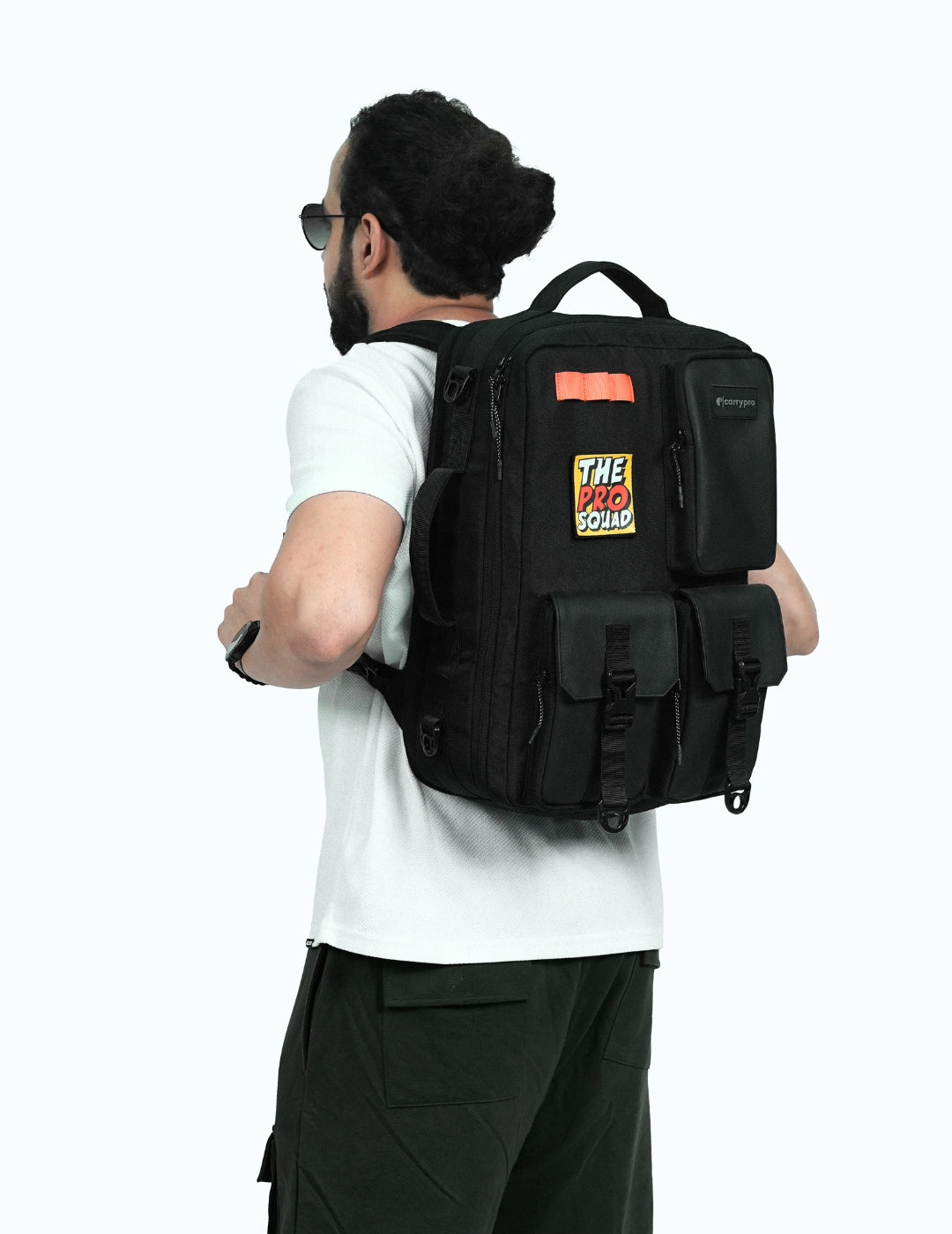
A laptop backpack is a full bag with a dedicated, padded laptop compartment built into the structure. The laptop sits in its own section (usually against the back panel), surrounded by padding and separated from the rest of the bag's contents.
What a backpack adds over a sleeve
Hands-free carry on both shoulders. Compartments for charger, cables, phone, wallet, water bottle, and anything else needed during the day. A back panel and shoulder straps designed for weight distribution. Protection from rain (water-resistant fabric or a rain cover). Organisation for everything that travels alongside the laptop.
When a backpack is the right choice
The laptop travels with other items (charger, notebook, water bottle, earbuds, lunch). The commute involves walking, cycling, or public transport where hands-free carry matters. The laptop leaves the house daily and needs both protection and an organised carry system around it.
Can You Use a Sleeve Inside a Backpack?
Yes, and this is often the best setup.
Why the combination works
Many backpack laptop compartments are sized generously (15.6 to 17 inches) to accommodate various laptop sizes. A 14-inch laptop in a 15.6-inch compartment slides around during movement, which defeats the purpose of padding. A sleeve fills the gap: the laptop sits snug inside the sleeve, and the sleeve sits snug inside the compartment. Double padding, zero movement.
When the combination is overkill
If the backpack's laptop compartment already fits the laptop tightly with adequate padding on all sides, adding a sleeve is unnecessary weight and bulk. Test the fit: put the laptop in the compartment, zip the bag, and shake it gently. If the laptop stays firmly in place, the compartment is doing its job. If it shifts, add a sleeve.
How to Choose Between Them Based on Your Routine
The "car to desk" commuter
Drives to work. Carries the laptop from the car to the office (20 steps). Sets it down. Drives home. A sleeve is enough. The carry distance is too short to justify a backpack, and the laptop doesn't need accompanying gear for a 20-step walk.
The "metro and walking" commuter
Walks to the station. Stands on a crowded train. Walks from the station to the office. Carries a charger, earbuds, a water bottle, and maybe lunch. A laptop backpack is the right choice. Hands-free carry, organised storage, and weather protection matter on a 30 to 60 minute commute.
The "café hopper" freelancer
Works from different cafés and co-working spaces. Carries a laptop, charger, notebook, earbuds, and a water bottle. Moves 2 to 3 times per day. A backpack handles this better than a sleeve because the charger, cables, and water bottle need a home. A sleeve alone means carrying all of those items loose or in a separate bag, which defeats the purpose.
The "multi-bag" traveller
Uses a travel backpack for transit and a laptop at the destination. The travel backpack has its own laptop compartment, but the laptop also needs to come out for daily use. A sleeve provides protection inside the travel bag and becomes a standalone carry for short trips from the hotel to a café or meeting.
The student
Carries a laptop, textbooks, notebooks, pens, a water bottle, and sometimes gym clothes. The volume of items makes a backpack essential. A sleeve adds protection if the backpack's laptop compartment is thin or loosely sized, but it's optional if the compartment fits well.
What Features Matter in a Laptop Sleeve?
Correct sizing
A sleeve should fit the laptop snugly. Too tight and it's hard to insert and remove. Too loose and the laptop slides inside, reducing protection. Measure the laptop's actual dimensions (not the screen size) and compare to the sleeve's interior measurements. A 14-inch laptop screen doesn't mean the chassis is exactly 14 inches.
Padding thickness
Minimum 5mm of padding on all sides for meaningful impact protection. Premium sleeves use foam or neoprene that absorbs drops and bumps. Thin fabric sleeves protect against scratches but not impacts.
Water resistance
A sleeve inside a backpack doesn't need water resistance (the backpack handles that). A sleeve carried alone should have a water-resistant exterior or a water-resistant zipper to protect against rain and spills.
What Features Matter in a Laptop Backpack?
Separate laptop access
The laptop compartment should have its own external zip so the laptop can be pulled out without opening the main compartment. At airport security, at cafés, and on trains, independent access saves time and keeps the rest of the bag sealed.
Back-panel laptop placement
The laptop should sit against the back panel, not in the middle or front of the bag. This keeps the heaviest item close to the spine, improving weight distribution and comfort. It also provides the most protection since the back panel is the most padded part of any backpack.
Padded, breathable shoulder straps
A laptop adds 1.5 to 2.5 kg to the bag before anything else is packed. The shoulder straps need padding to distribute this weight without digging into the shoulders. A breathable mesh layer prevents sweat buildup during warm-weather commutes.
The Verdict: Sleeve, Backpack, or Both?
Sleeve only: Short carry distances. Laptop travels inside another bag. No other items need to be carried alongside it.
Backpack only: Daily commute on foot or public transport. Laptop plus multiple other items. Hands-free carry is a priority.
Both: Laptop rides in a travel backpack during transit and comes out in a sleeve for daily use at the destination. Or the backpack's laptop compartment is too large for the laptop and needs a sleeve to fill the gap.
Browse laptop sleeves. Browse everyday backpacks. Browse travel backpacks. Explore the full range.
Frequently Asked Questions
Is a laptop sleeve necessary if the backpack has a laptop compartment?
Only if the compartment is too large for the laptop or has thin padding. A well-fitted, well-padded compartment eliminates the need for a separate sleeve.
What size laptop sleeve should you buy?
Match the sleeve to the laptop's chassis dimensions, not the screen size. A "14-inch" laptop may have a chassis that's 31.5 x 22 cm. Check the manufacturer's spec sheet and compare to the sleeve's listed interior dimensions.
Can a laptop sleeve protect against drops?
Padded sleeves (5mm+ foam or neoprene) absorb minor drops from table height. They won't protect against a full fall onto hard ground. For serious drop protection, a hardshell case is needed, but those add significant bulk and weight.
Do laptop backpacks damage laptops over time?
Not if the laptop sits in a padded compartment against the back panel. Damage happens when laptops are carried loose in the main compartment, where books, water bottles, and keys press against the screen.