





Best Laptop bag packs
Laptop Bag packs
How to Pick the Right Laptop Backpack for Daily Use
Match the Sleeve to Your Exact Laptop Size
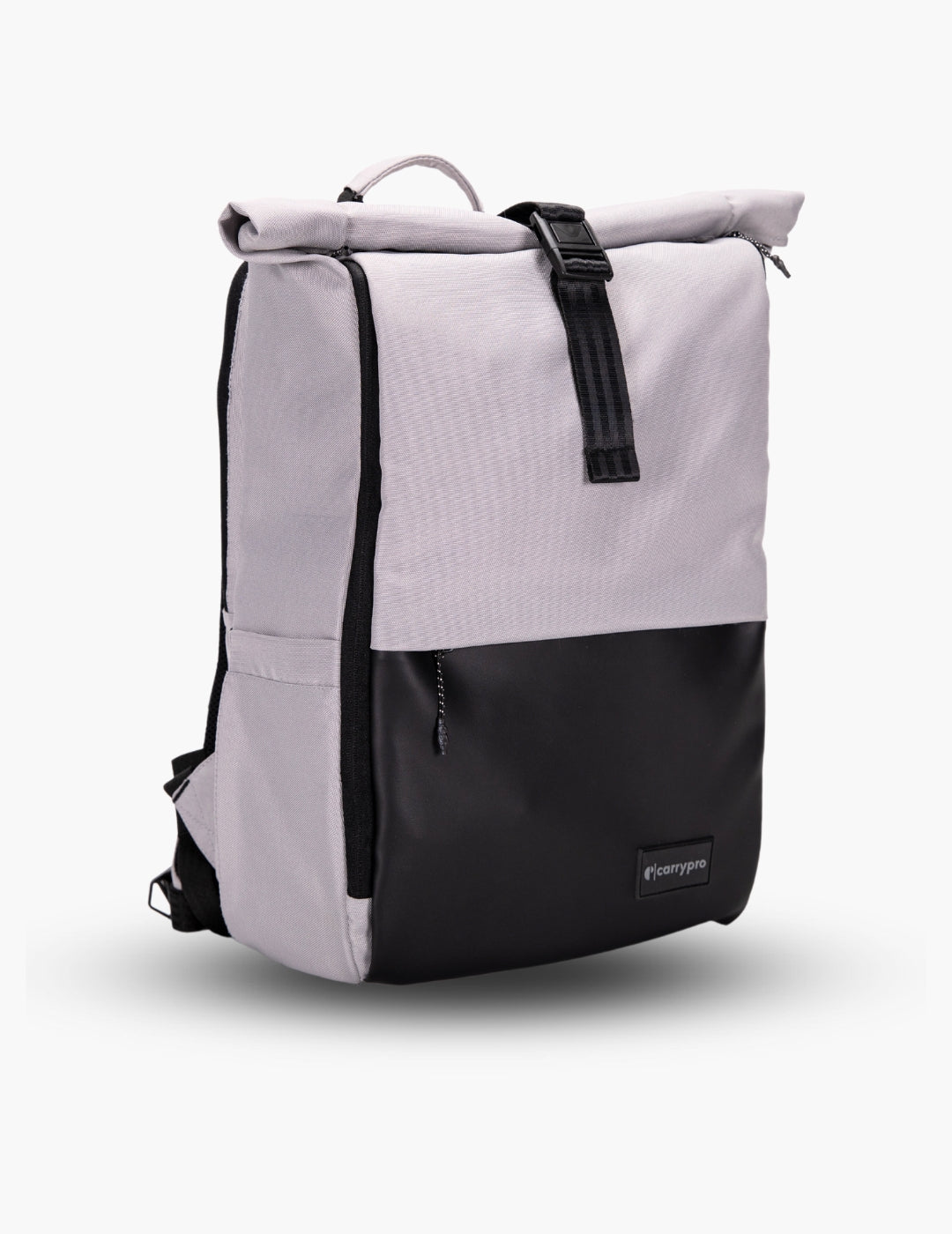
A 14-inch laptop rattling inside a 16-inch sleeve picks up scratches and dings every time you set your bag down. Check the listed laptop compatibility before buying, not just the bag's total capacity. Bags in this collection list exact screen sizes so you know your device fits snug with padding on all sides. The Mojo V2 fits up to 14 inches, while the Prime and KYND handle 15.6-inch screens.
Padding Placement Matters More Than Thickness
A laptop backpack needs padding on the bottom, sides, and rear of the laptop compartment. Bottom padding is the most critical because that is the impact zone every time you place your bag on a floor, desk, or auto rickshaw seat. A padded base plus a raised laptop sleeve that keeps your device suspended above the bag's bottom edge gives you the best drop protection.
Weight Under 800g for Daily Comfort
Your laptop already weighs 1.5 to 2 kg. Add a charger, water bottle, and lunch, and you are at 3 to 4 kg before the bag itself. A lightweight laptop backpack under 800 g keeps total carry weight manageable on 30-minute Metro commutes and walks across campus or coworking spaces.
What Features Should a Laptop Backpack Have in 2026?
Quick-Access Pocket for Phone and Earphones
Digging through your main compartment for your phone at a Metro gate or a toll plaza wastes time and blocks people behind you. A top-zip or side-zip quick-access pocket lets you grab your phone, earphones, wallet, or metro card without opening the bag. This is a small feature that makes a large difference across hundreds of daily commutes.
Separate Compartments for Laptop and Everything Else
A laptop backpack with a single main compartment means your charger cable, lunch box, and keys press against your screen during transit. Two-compartment designs keep the laptop isolated in its own padded zone while daily items live in a separate front section. Your screen stays clean, your charger stays accessible.
Water-Resistant Fabric for Indian Commutes
An unexpected downpour during your walk from the parking lot, a leaky water bottle inside your bag, or condensation from a chilled lunch box can damage an unprotected laptop. Water-resistant nylon with coated zippers handles all three scenarios. Bags in this collection use high-denier water-resistant fabric across every panel, not just the top.
Office, College, or Both: Which Laptop Backpack Fits Your Life?
For Office and Client Meetings
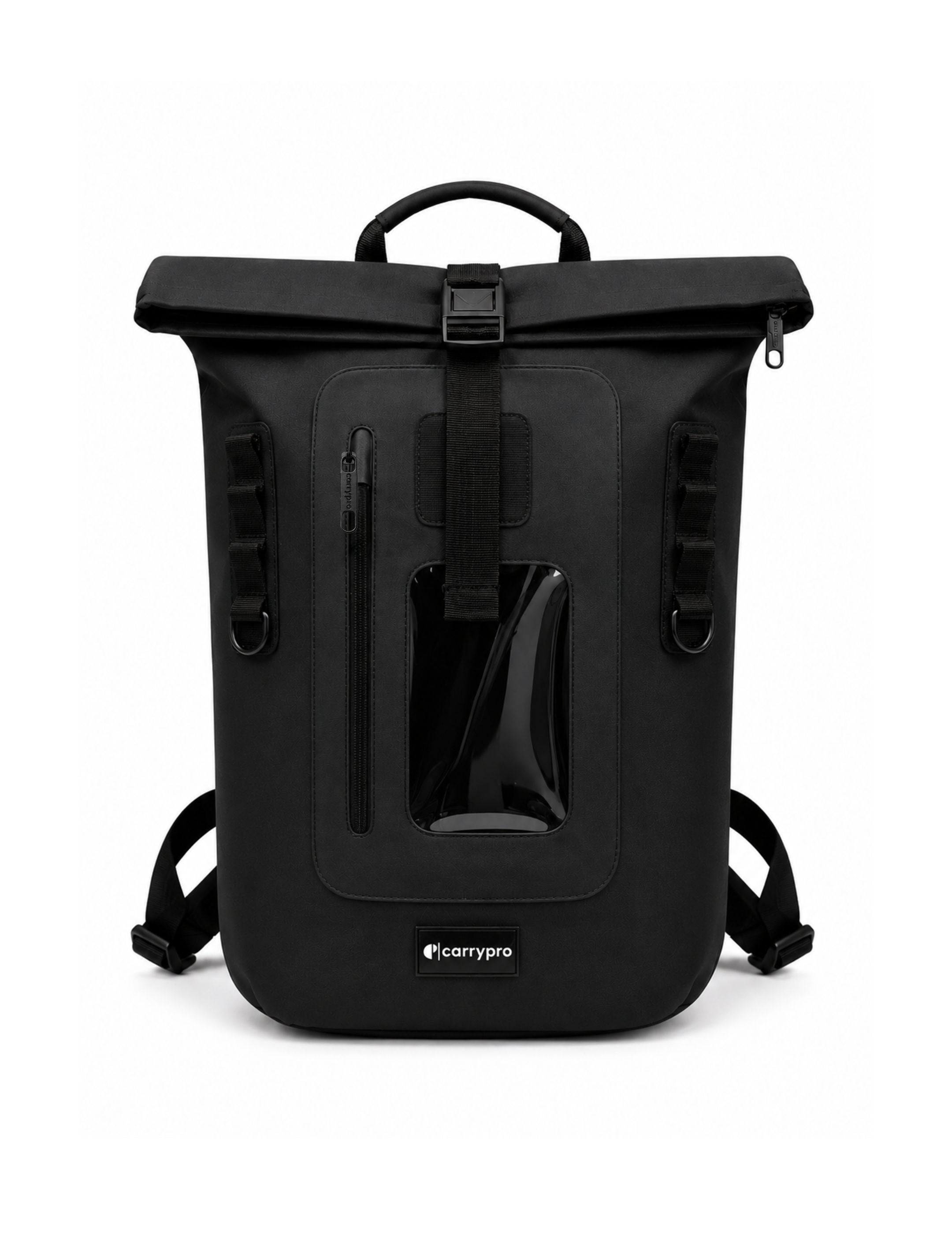
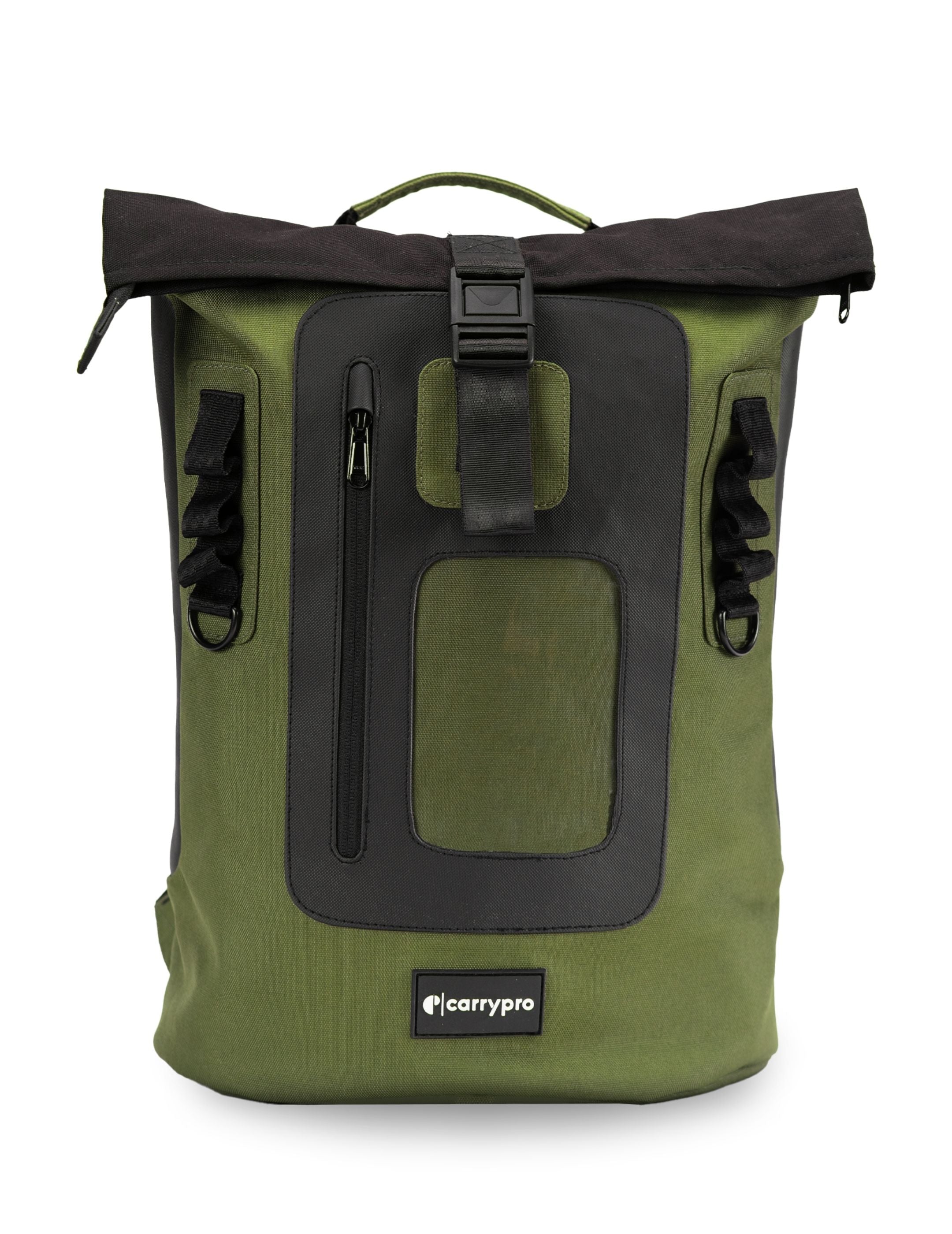
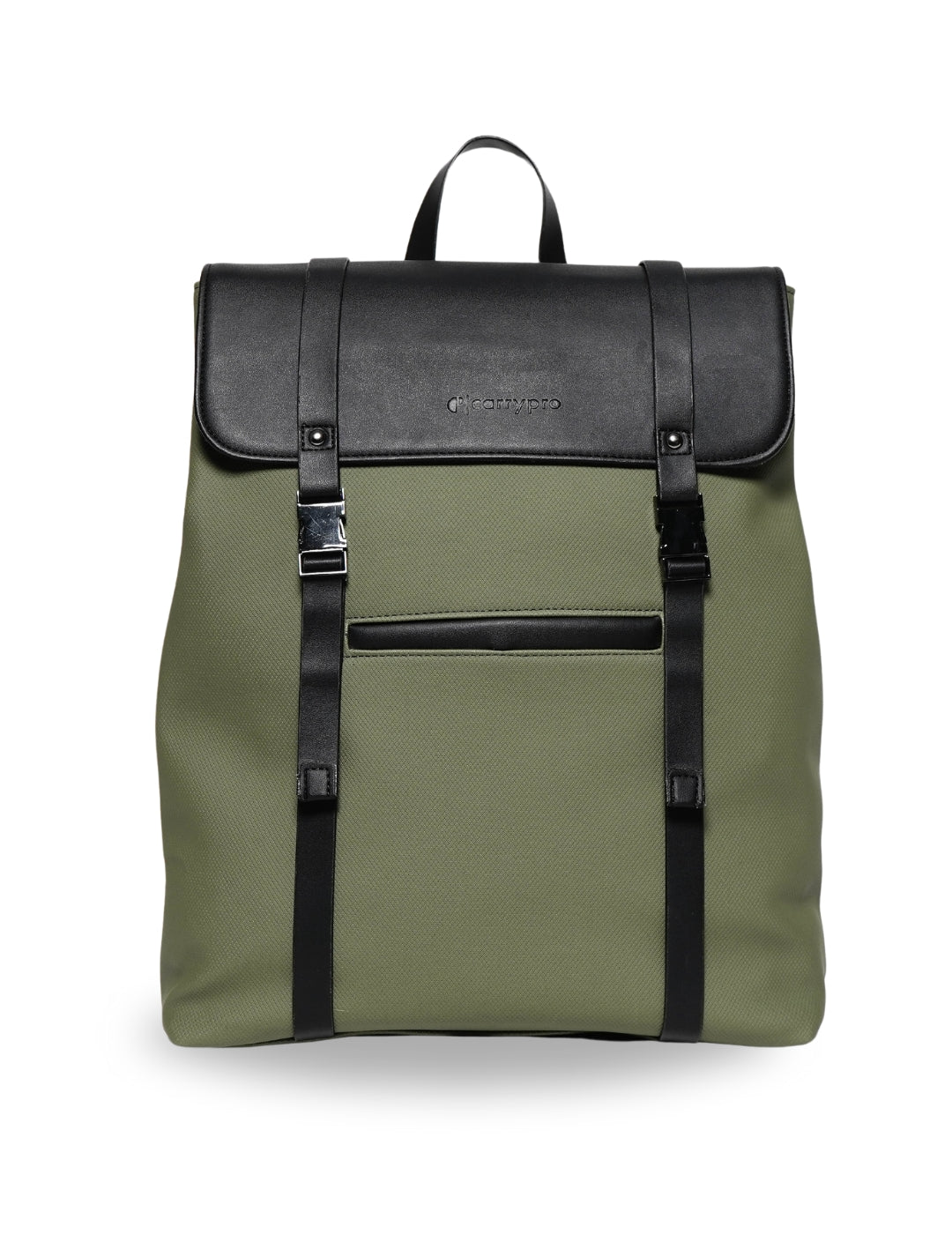
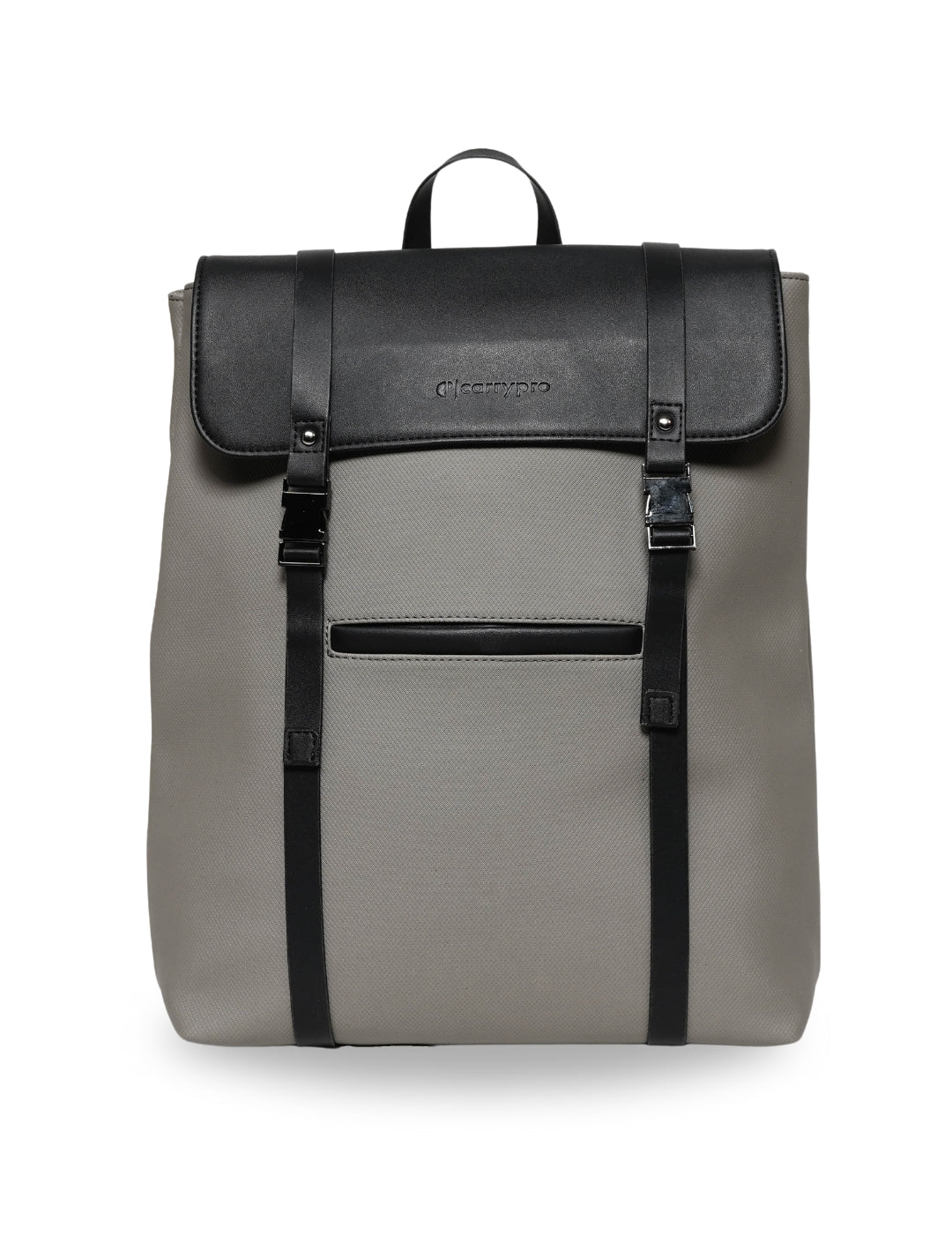
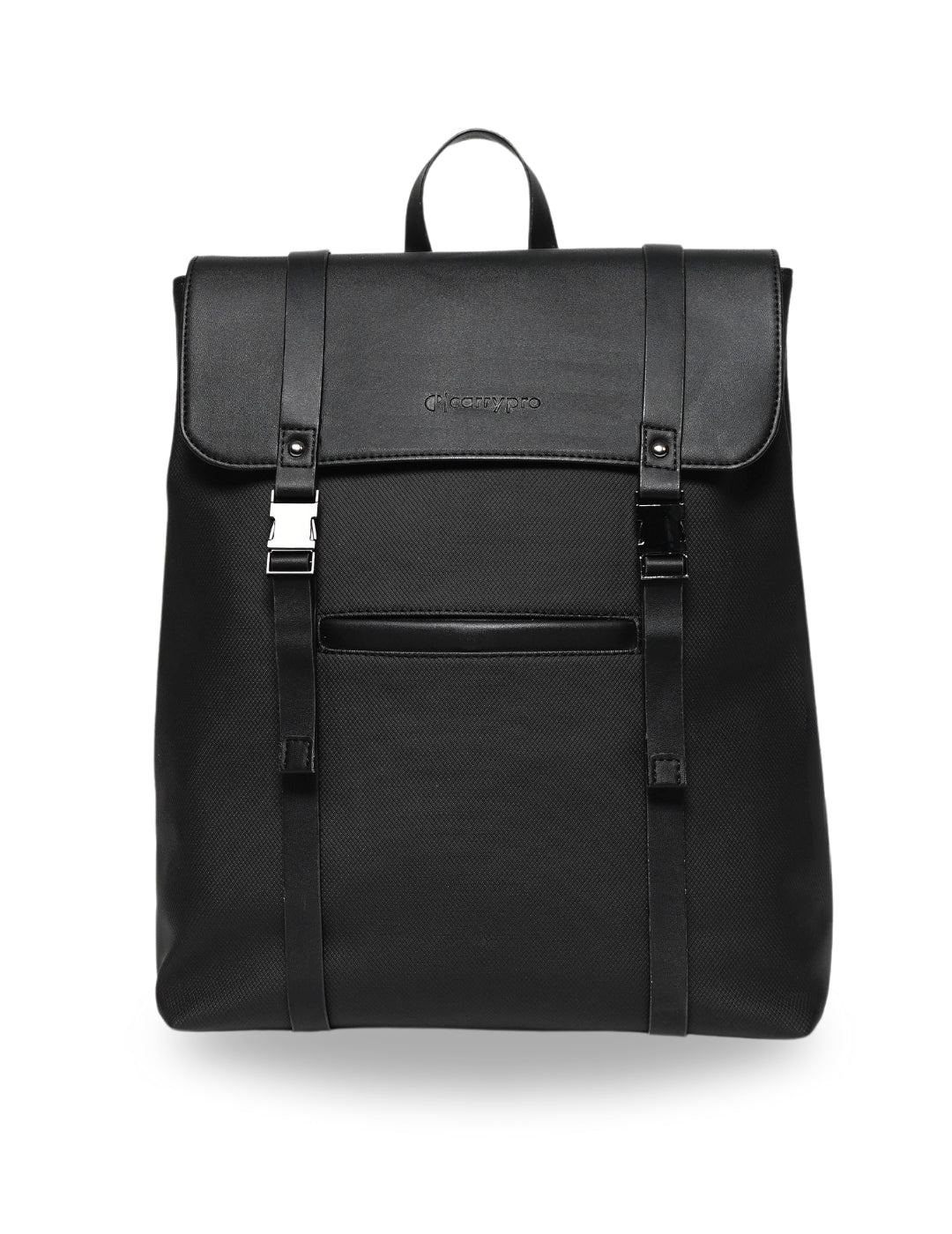
A laptop backpack you carry into offices and meeting rooms should have a clean front face without dangling straps, carabiners, or mesh pockets. Muted colours like black, olive, and grey pair with business casuals and formals. The Mojo V2 and KYND both hit this mark with minimal exteriors that look intentional, not sporty.
For College and Campus Life
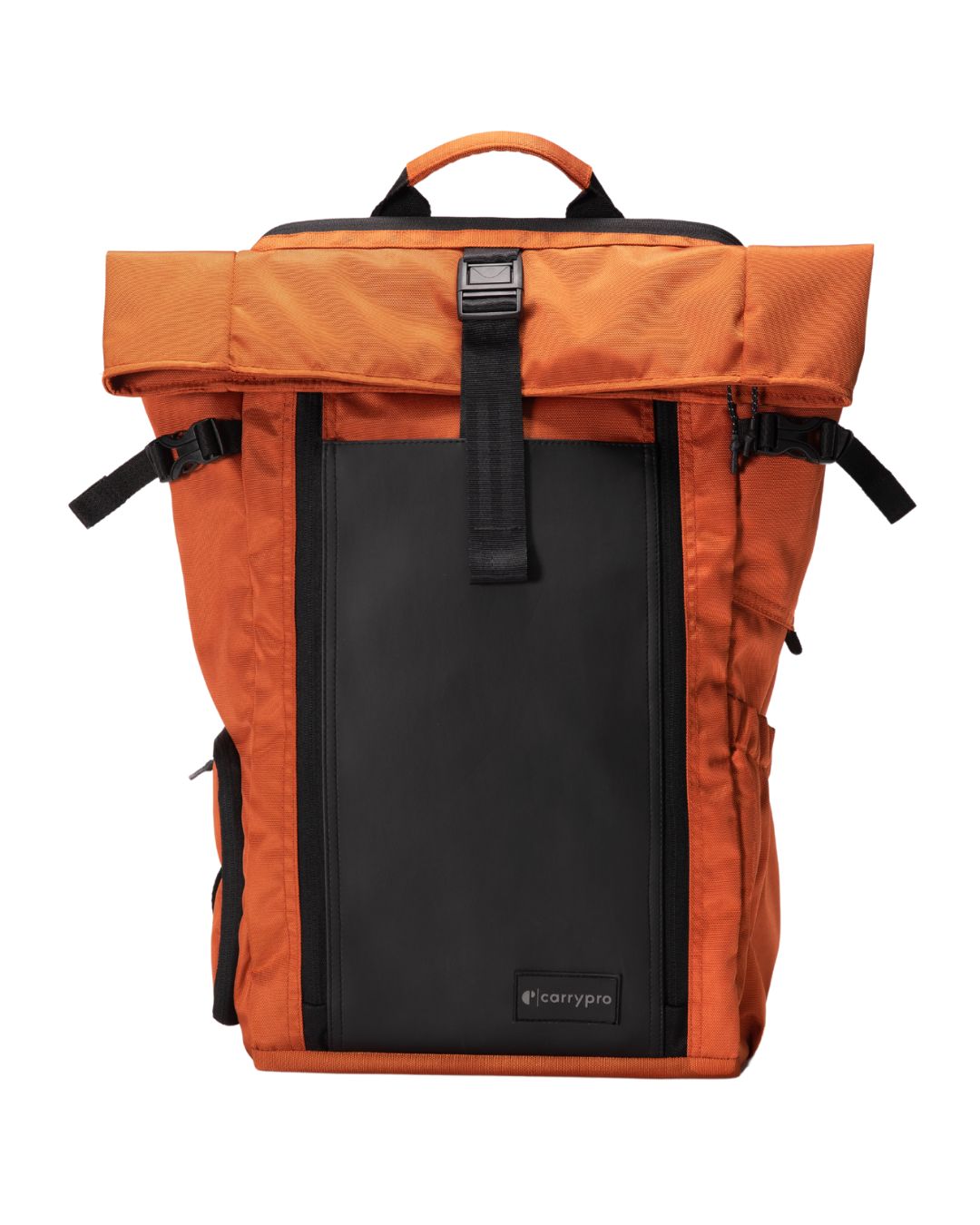
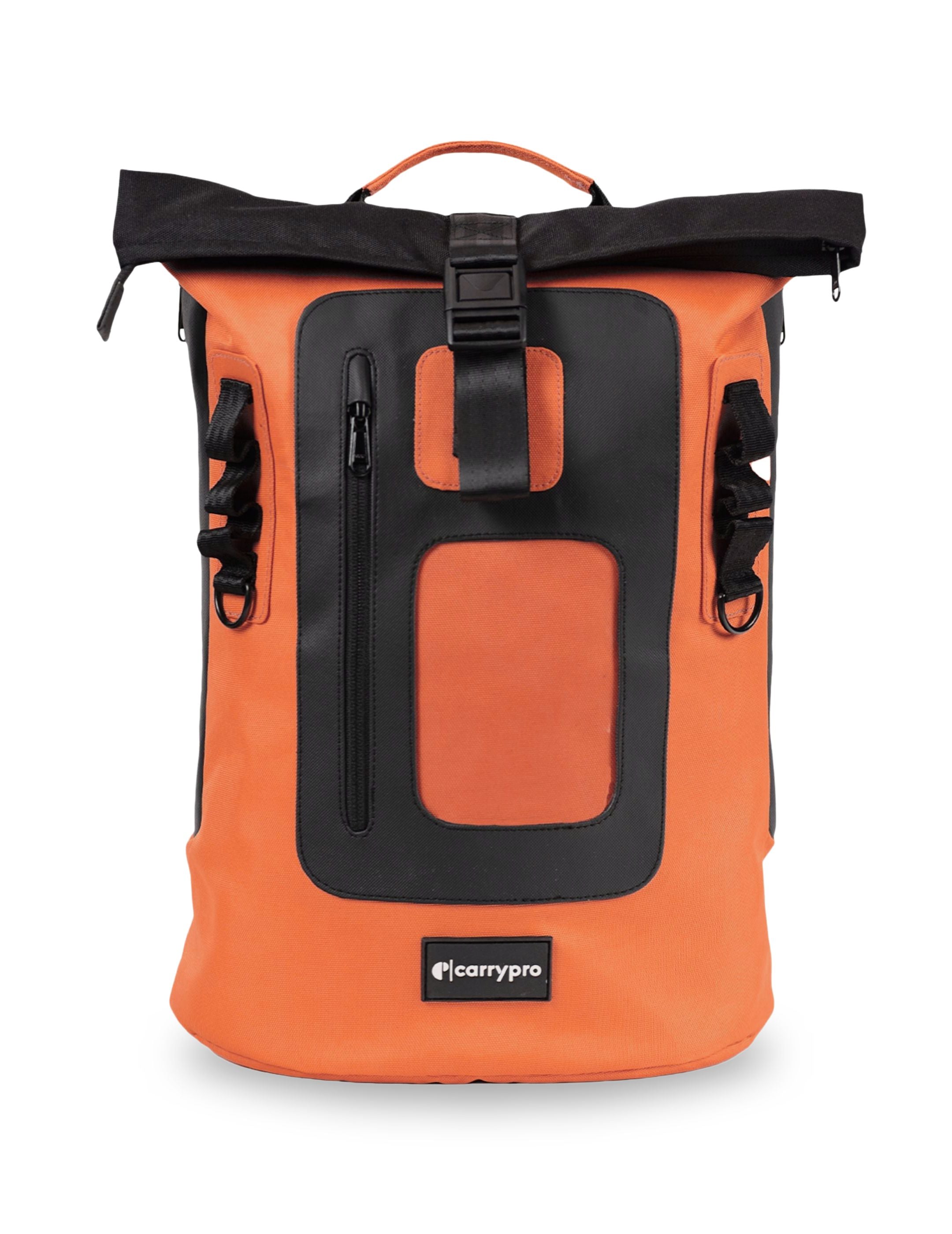
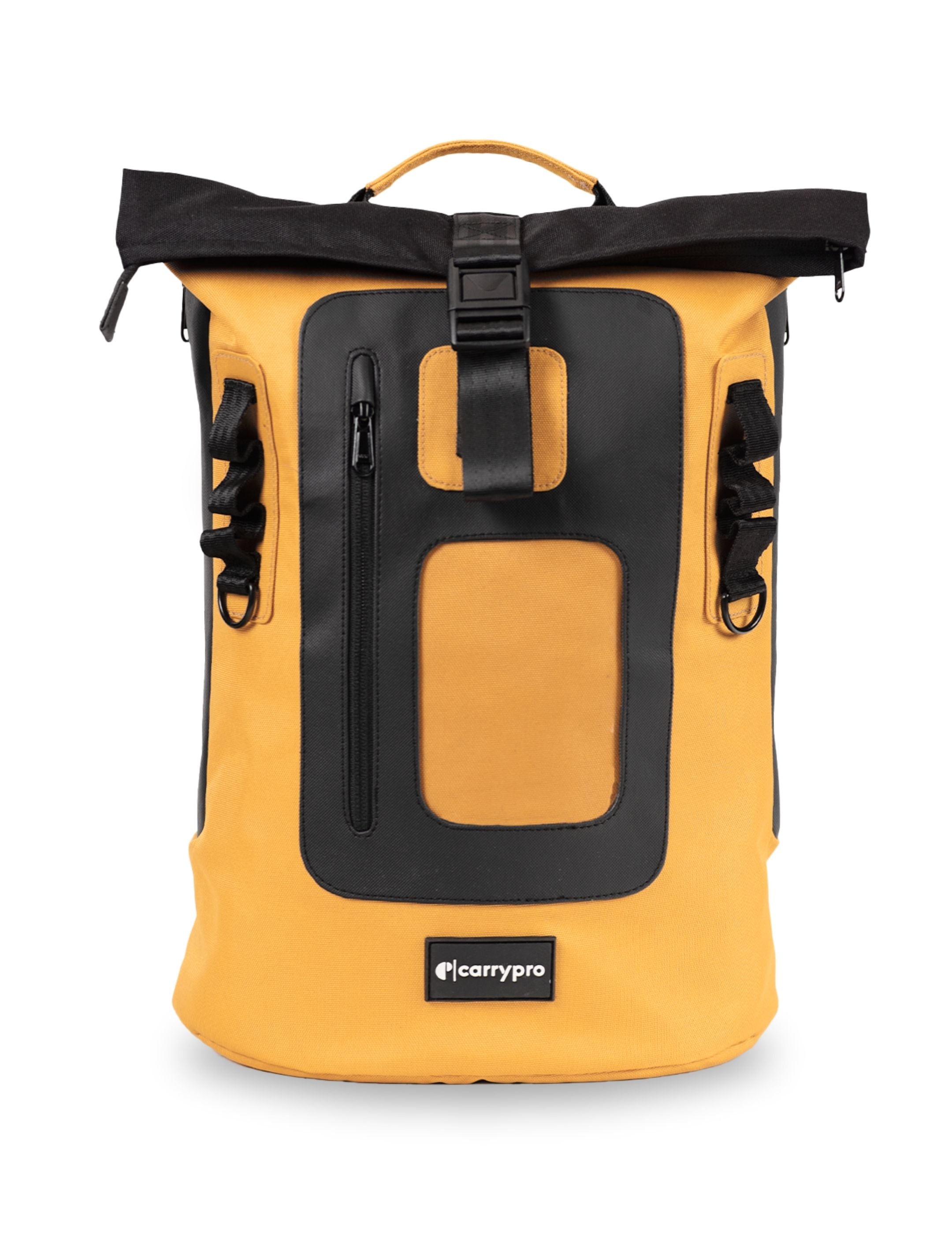
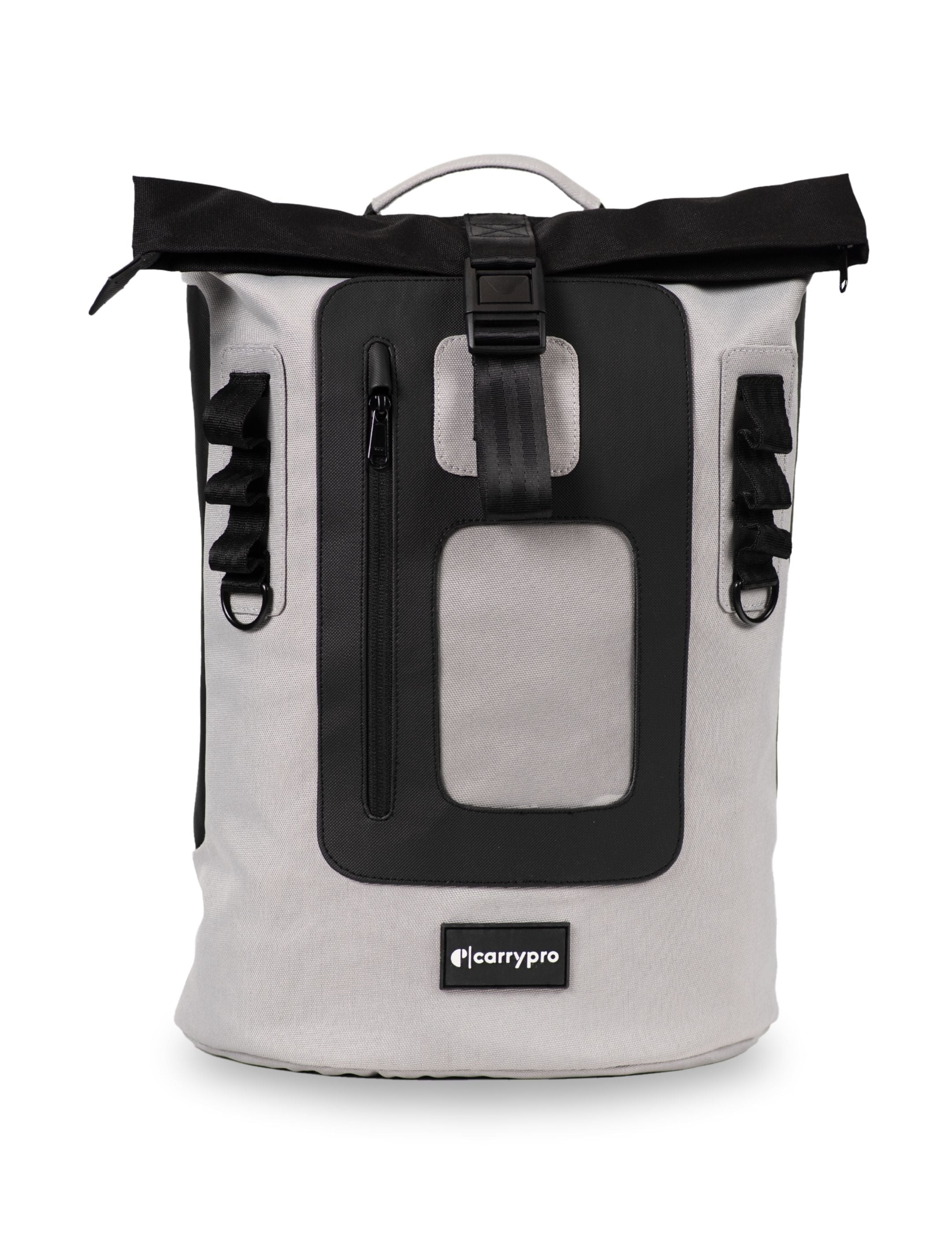
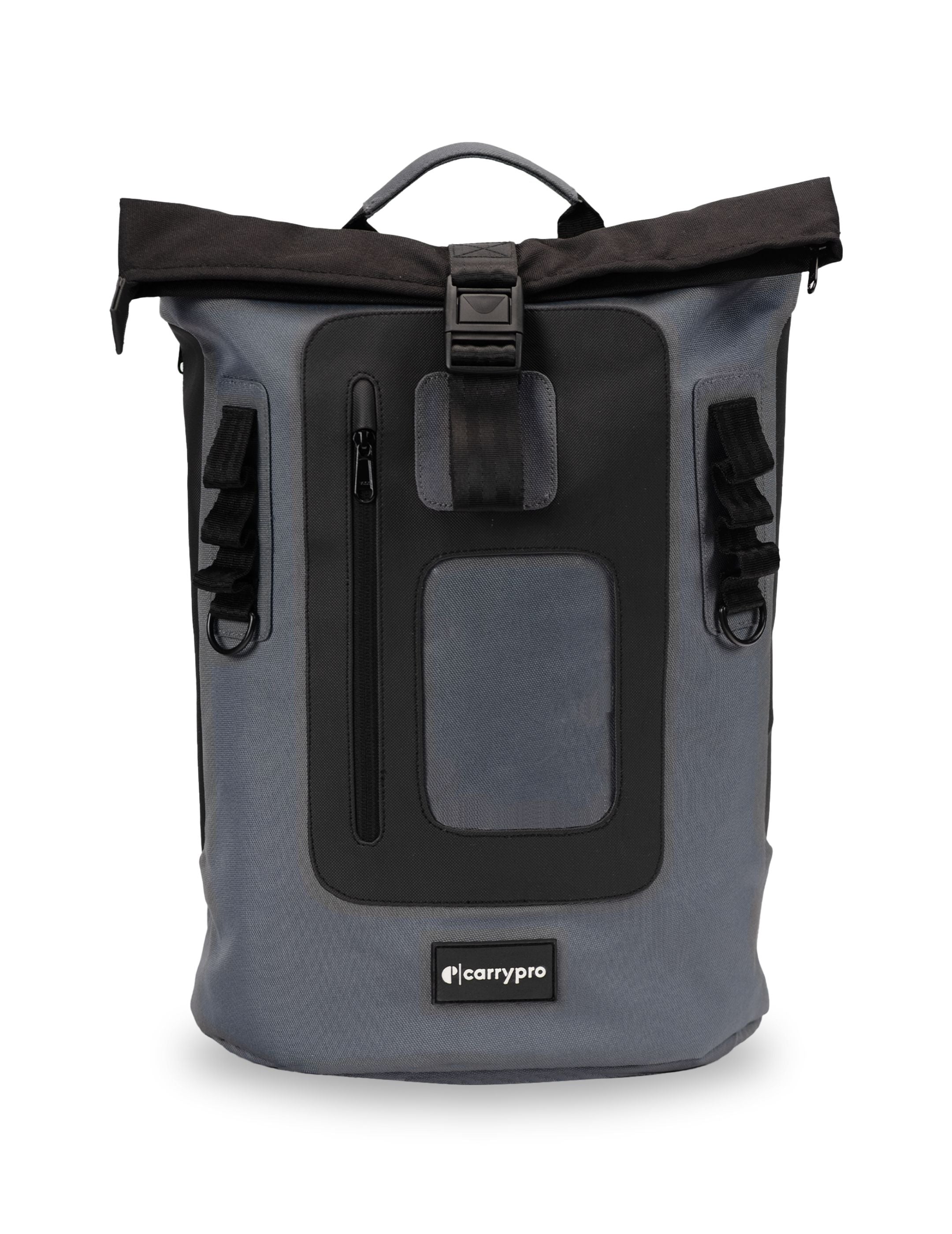
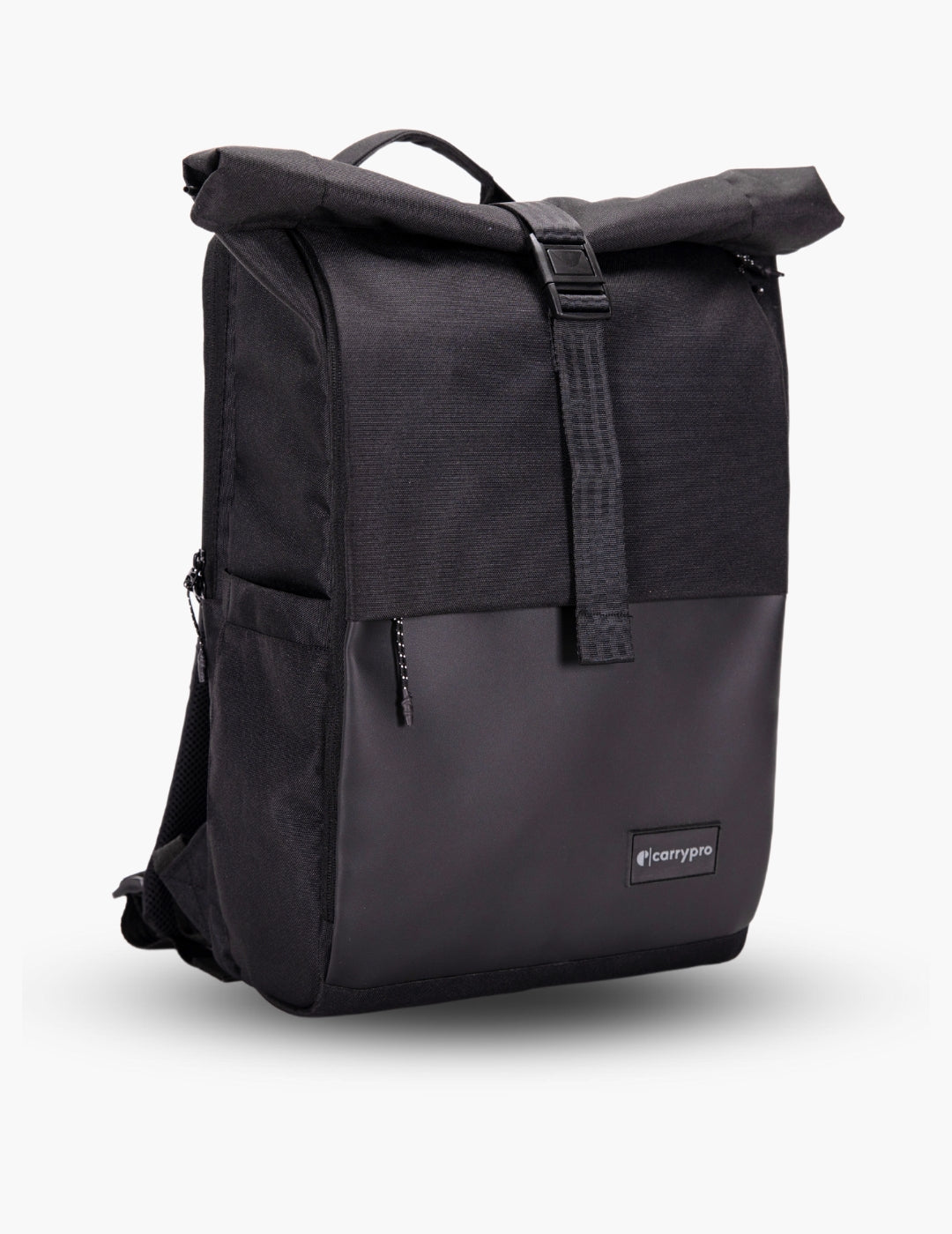
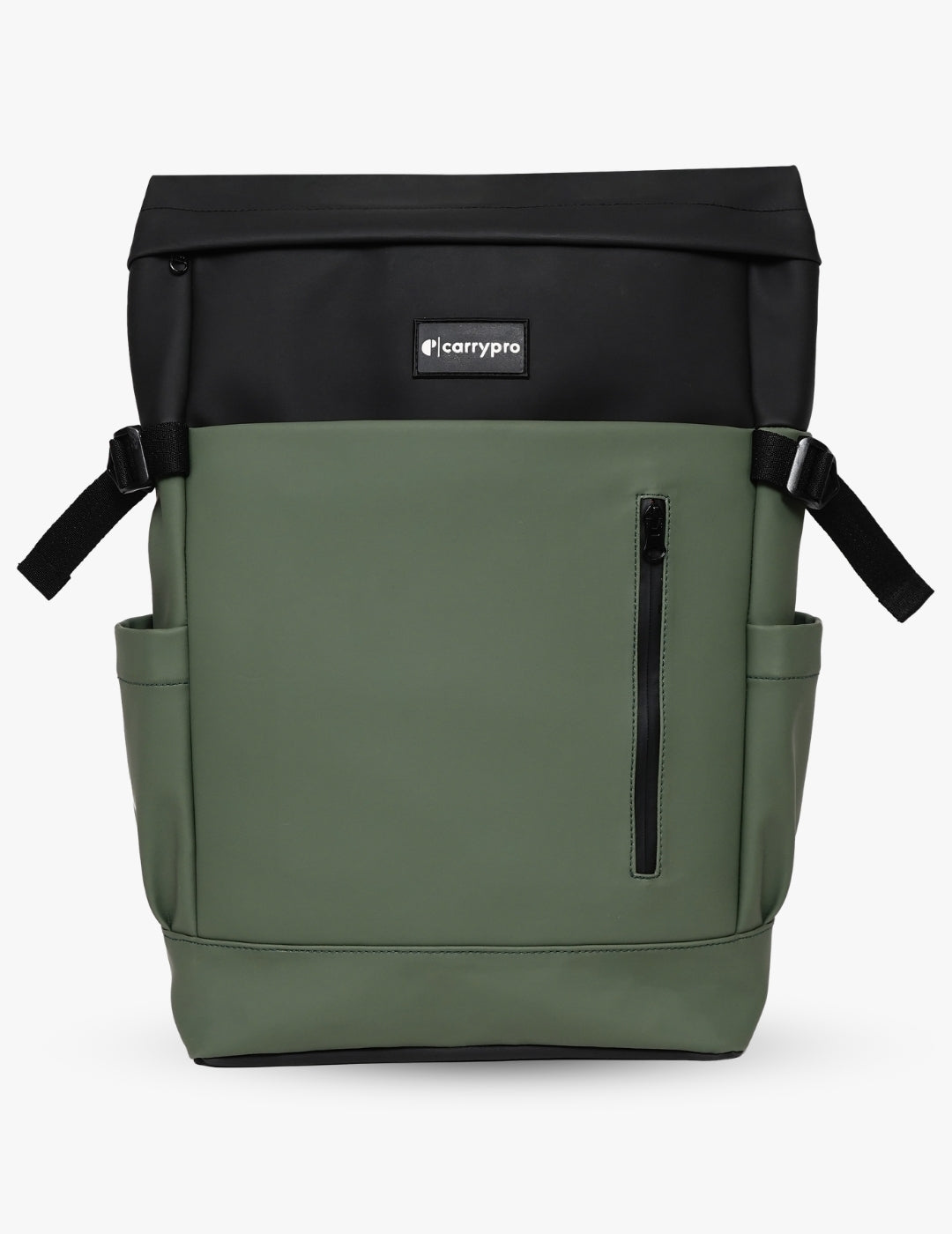
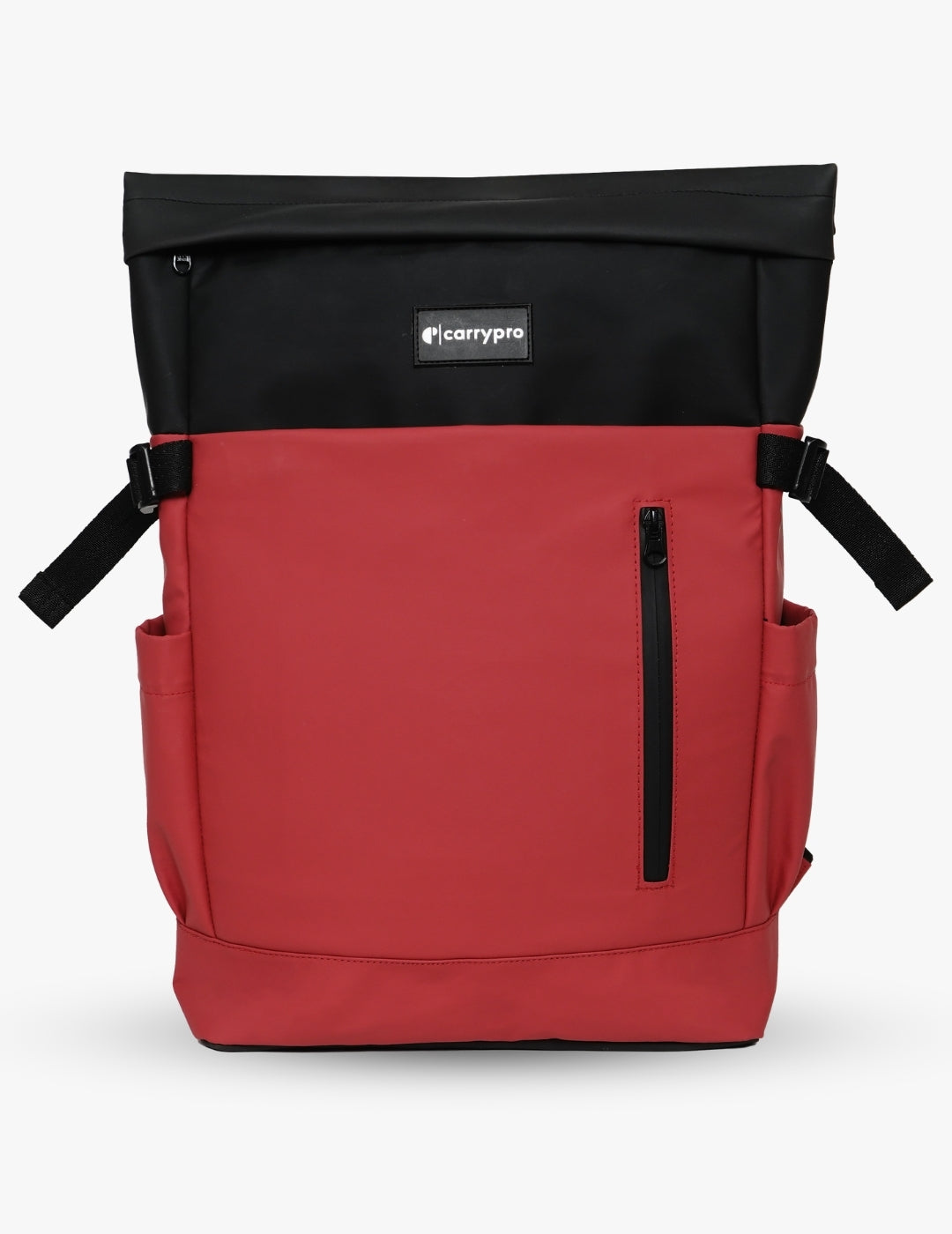
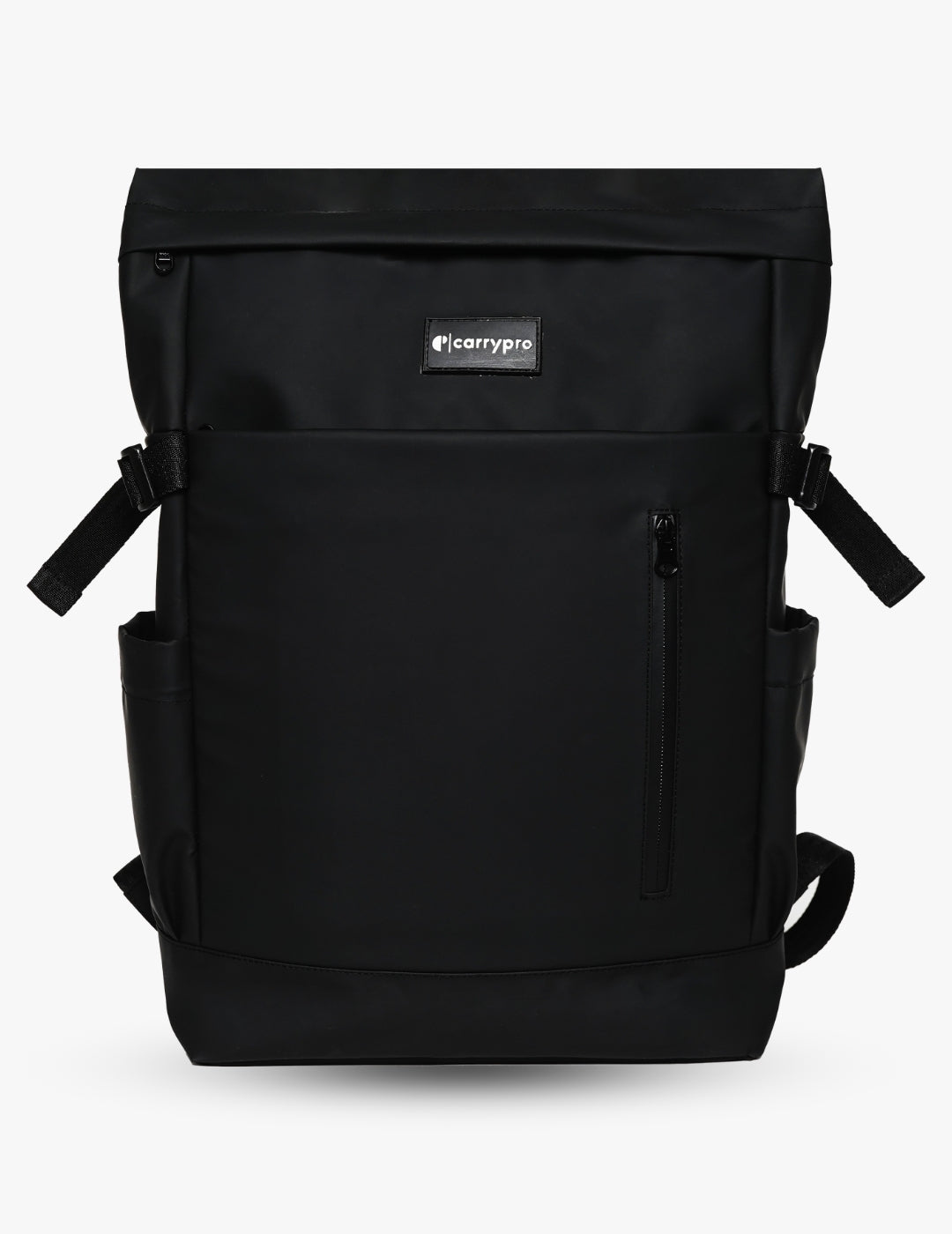
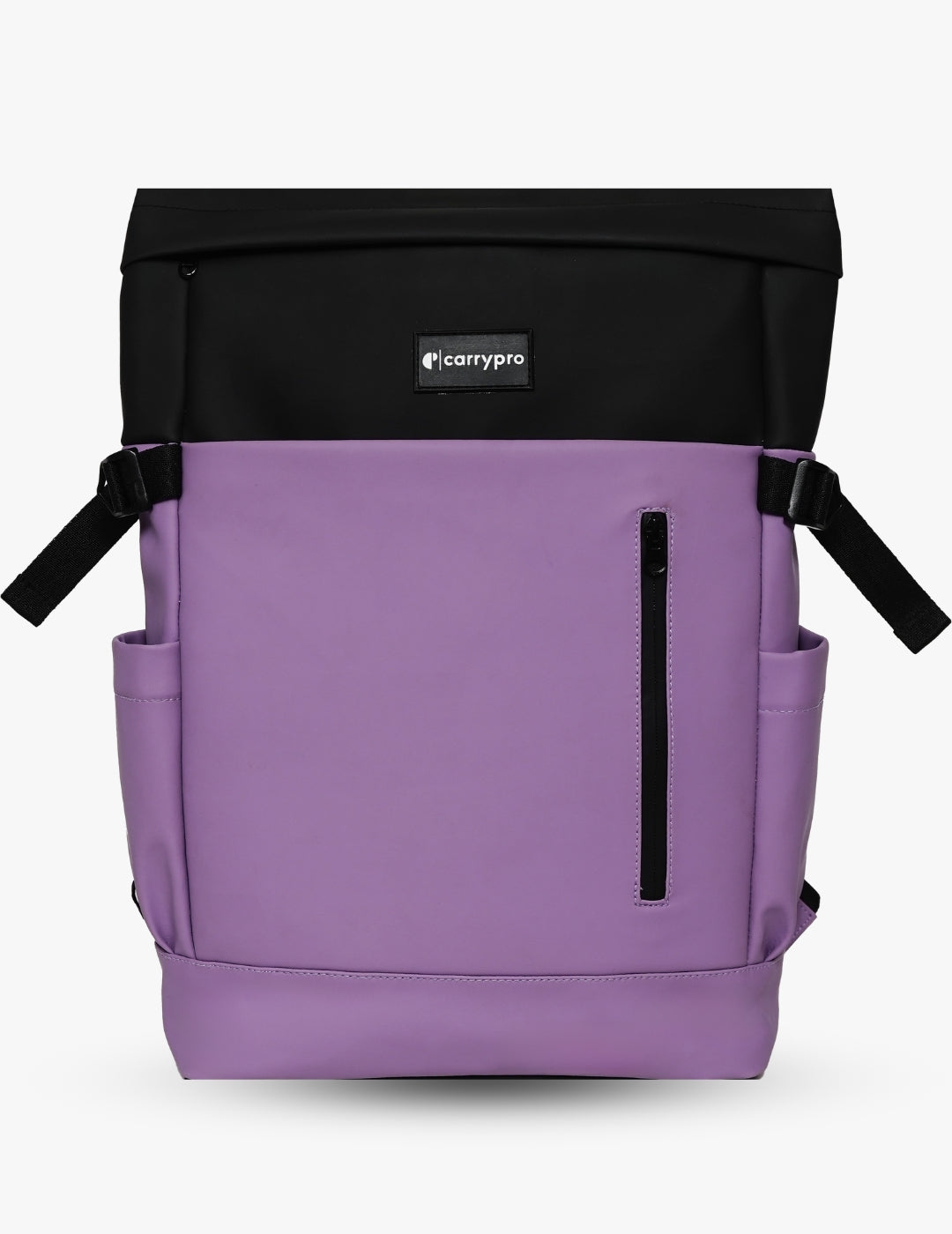
College needs are messier. Textbooks, a tablet, loose papers, a water bottle, earphones, and sometimes gym clothes all go into the same bag. A laptop backpack with 22L to 25L capacity and an expandable design (like a rolltop) handles heavy lecture days and light commute days equally well. The Hobo 25 gives this flexibility with its adjustable roll-closure top.
For Hybrid Use
If you split time between an office and a campus, or between a coworking space and home, pick a laptop backpack in the 20L to 22L range with a neutral colourway. It should look at home on a boardroom chair and a canteen table. Most people do not need two bags if the one they own is designed to cross contexts without looking out of place.
Frequently Asked Questions
What is the best laptop backpack for daily use in India?
The best laptop backpack for daily use in India has a snug padded laptop sleeve matching your exact screen size, a breathable mesh back panel for summer heat, water-resistant fabric for monsoon commutes, and a total bag weight under 800 g. The CarryPro Mojo V2 fits laptops up to 14 inches and weighs under 700 g, making it ideal for office and college commutes. For 15.6-inch laptops, the KYND and Prime offer a larger sleeve with the same build quality.
What size laptop backpack do I need?
Match the backpack to your laptop's screen size, not to a generic litre capacity. For 13 to 14-inch laptops, a 20L backpack gives you a snug sleeve with enough room for daily essentials. For 15.6-inch laptops, pick a 22L to 25L bag. The sleeve should hold your laptop firmly with no side-to-side movement. Bags in this collection list exact laptop sizes so you can verify compatibility before buying.
Is a laptop backpack better than a laptop sleeve or messenger bag?
For commutes longer than 15 minutes, a laptop backpack is the best choice. It distributes weight across both shoulders, protects your device with built-in padding on all sides, and keeps your hands free for metro handles, umbrellas, or coffee. A laptop sleeve offers no carry comfort and zero drop protection. A messenger bag puts all the weight on one shoulder, causing neck and back strain over months of daily use.
Can I carry a laptop backpack as cabin baggage on flights?
Yes. Every laptop backpack in this collection fits within standard cabin bag dimensions for Indian domestic airlines (IndiGo, Air India, SpiceJet, Akasa) and most international carriers. A 20L to 25L laptop backpack is well within the size limit. Keep it under the 7 kg cabin weight restriction and it goes straight into the overhead bin or under the seat in front of you.
How do I protect my laptop inside a backpack?
Use the dedicated padded laptop sleeve, never the main compartment. Make sure the sleeve has a velcro or elastic closure at the top so the laptop does not slide out when the bag tips over. Avoid placing hard objects like water bottles or charger bricks directly next to the laptop. If your bag has a raised base (the laptop hangs above the bottom), your device stays protected even when you drop the bag onto a hard floor.
Are laptop backpacks waterproof?
Laptop backpacks in this collection are water-resistant, not fully waterproof. Water-resistant fabric and coated zippers protect your laptop during rain showers, monsoon drizzles, and accidental spills. For heavy sustained rain, keep your laptop in the rear sleeve (furthest from the rain-facing front panel) and use a rain cover if your bag includes one. The rolltop closure on the Hobo 25 adds an extra layer of top-seal protection compared to standard zip-top bags.
Which CarryPro backpack is best for a 14-inch laptop?
The Mojo V2 is built specifically for 14-inch laptops. It has a dedicated padded sleeve that holds the laptop snug without extra room for sliding, a clean minimal exterior for office and college use, and weighs under 700 g. If you want a larger bag with rolltop expansion for days when you carry more than just a laptop, the Hobo 25 also fits 14-inch screens with additional capacity on top.
What is the difference between a laptop backpack and a regular backpack?
A laptop backpack has a dedicated padded compartment sized for a specific screen range, with padding on the bottom, sides, and back to absorb drops and bumps. A regular backpack may have a sleeve but typically lacks structured padding and a raised base. If you carry a laptop daily, a purpose-built laptop backpack keeps your device safer and lasts longer than a generic bag with a thin pocket sewn in as an afterthought.
Can I use a laptop backpack for short trips and travel?
Yes. A 22L to 25L laptop backpack handles overnight trips and weekend getaways comfortably. Your laptop sleeve doubles as a tablet or book holder, and the main compartment fits 1 to 2 days of rolled clothes plus toiletries. For trips longer than a weekend, pair it with a dedicated 30L to 40L travel backpack or use it as your personal item alongside a larger carry-on bag on flights.