



Best 14-Inch Laptop Bags & Sleeves
14-Inch Laptop Bags & Sleeves
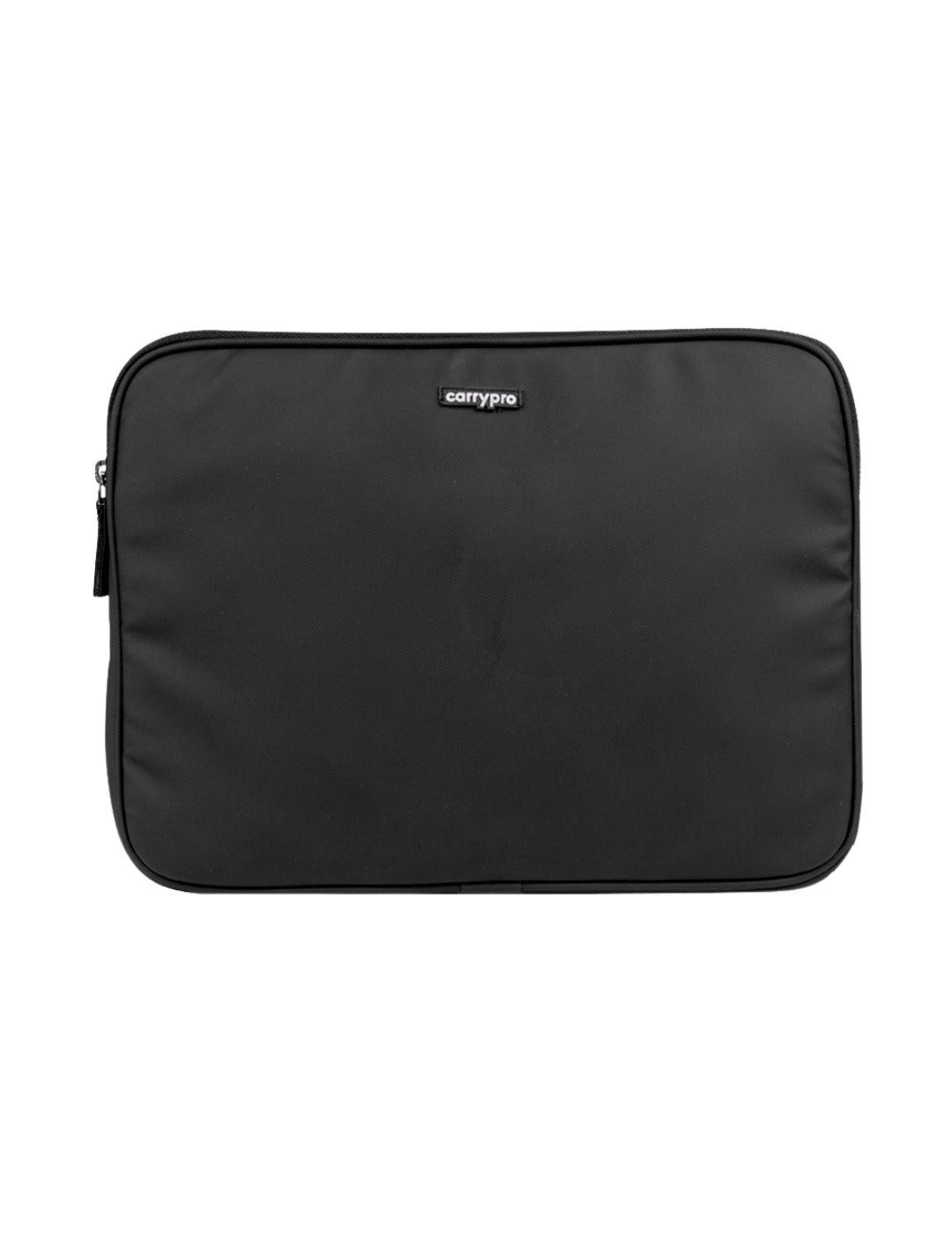
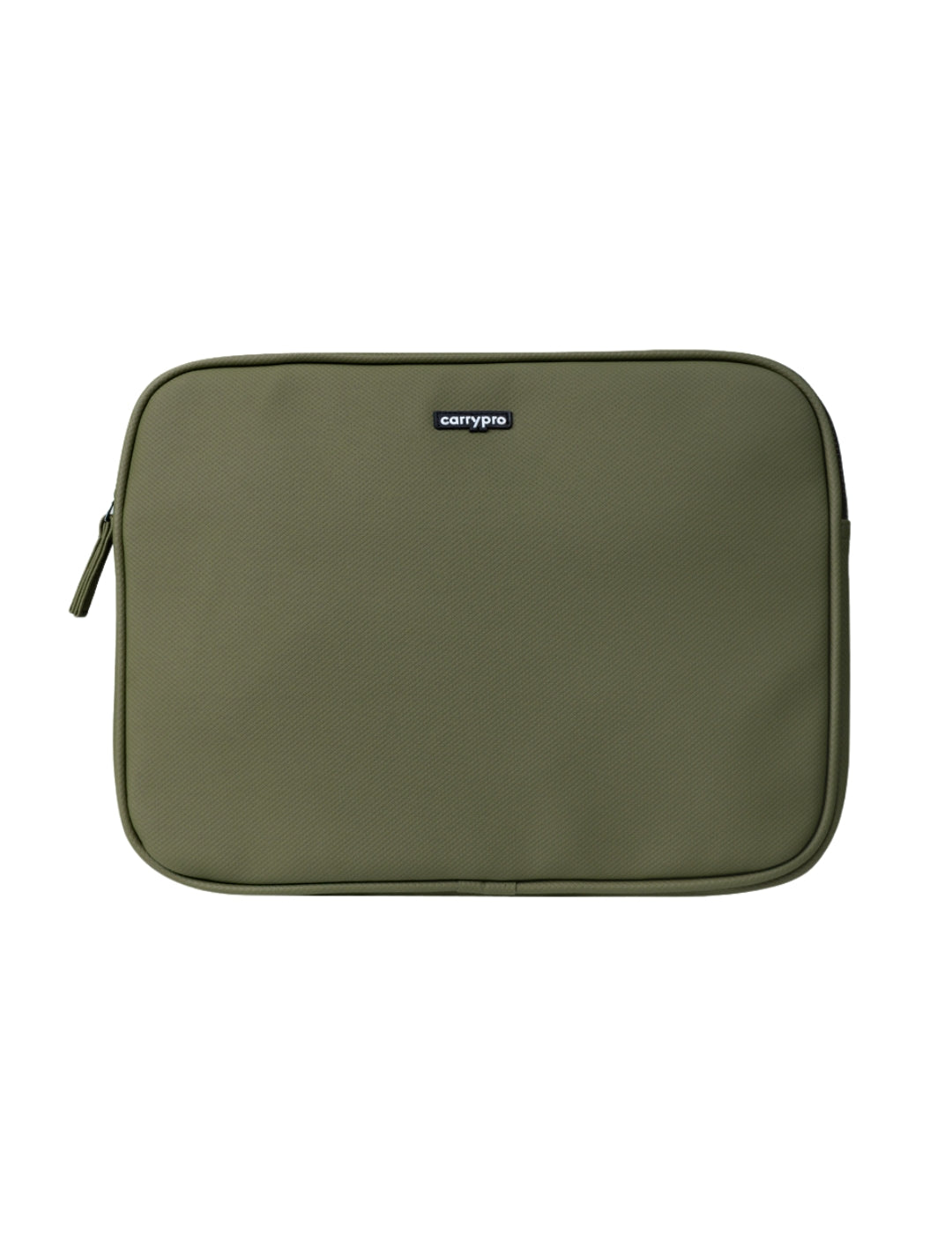
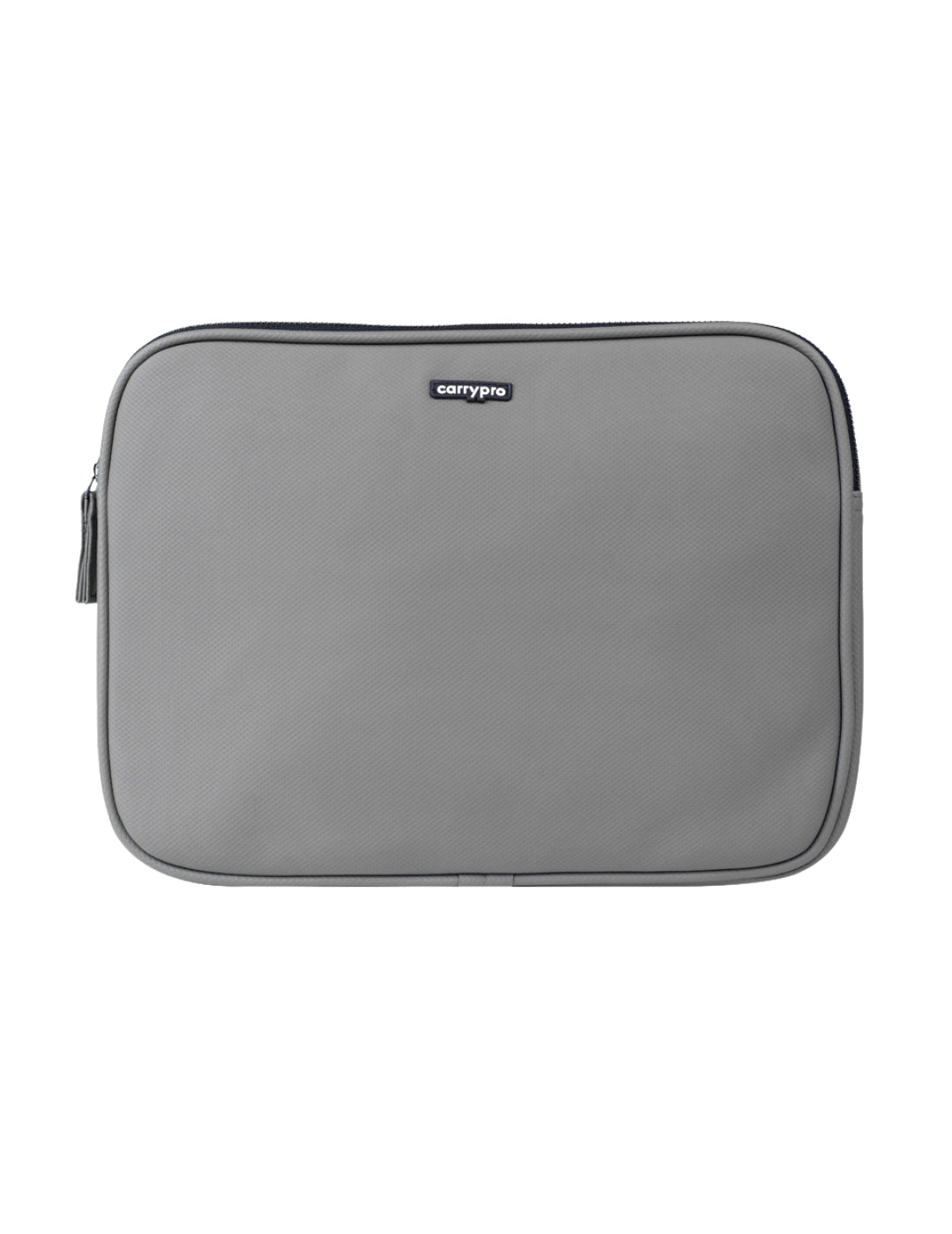
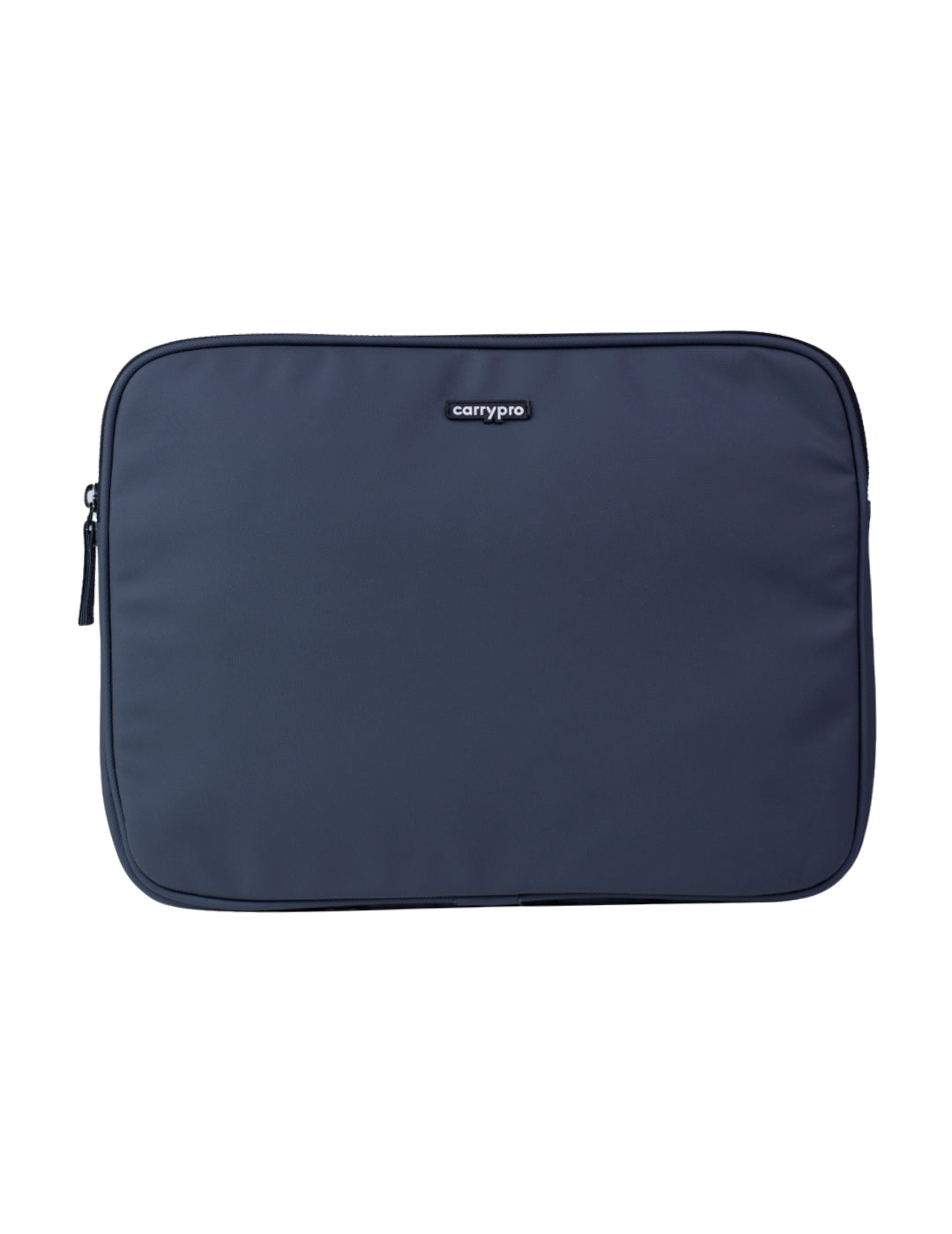
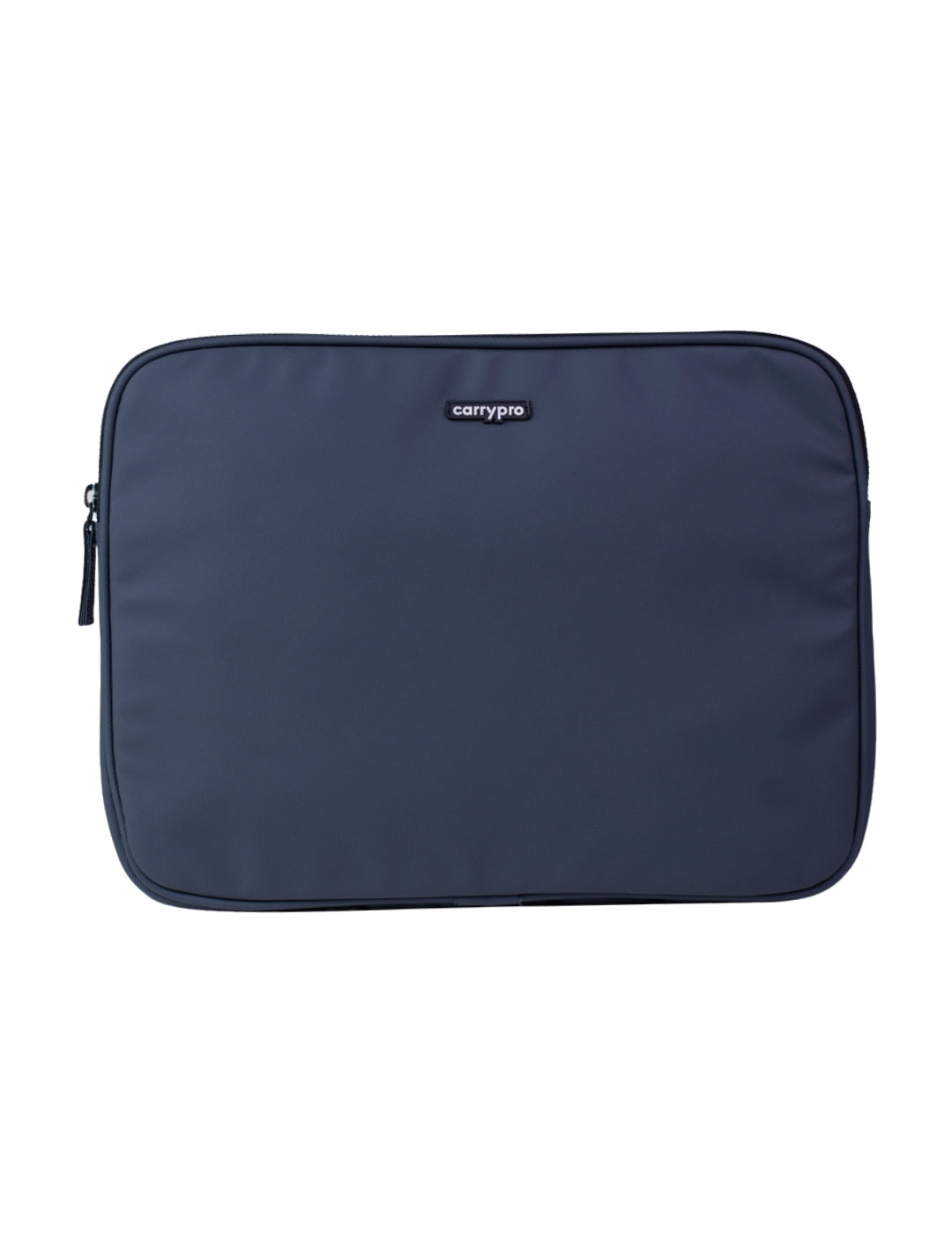
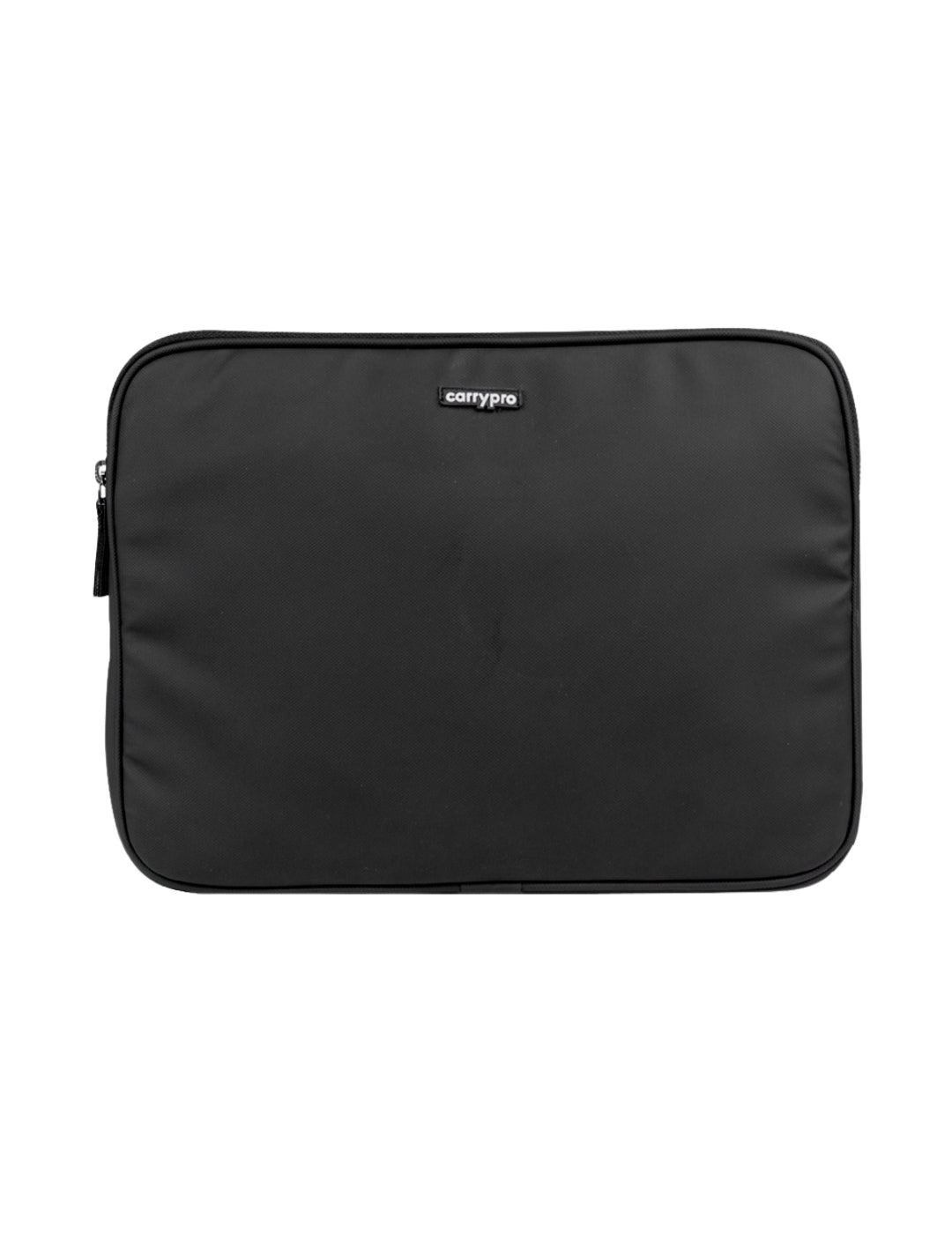
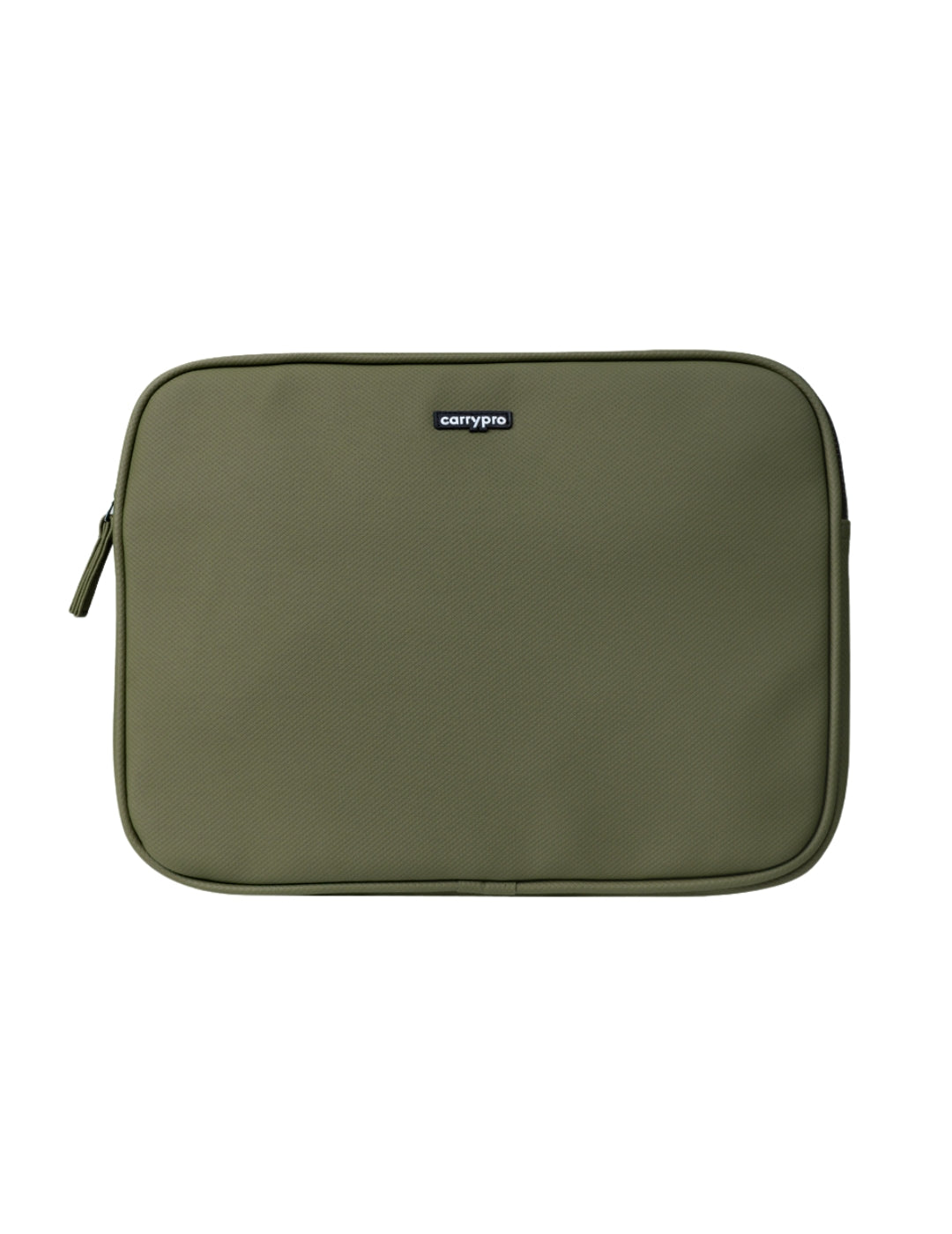
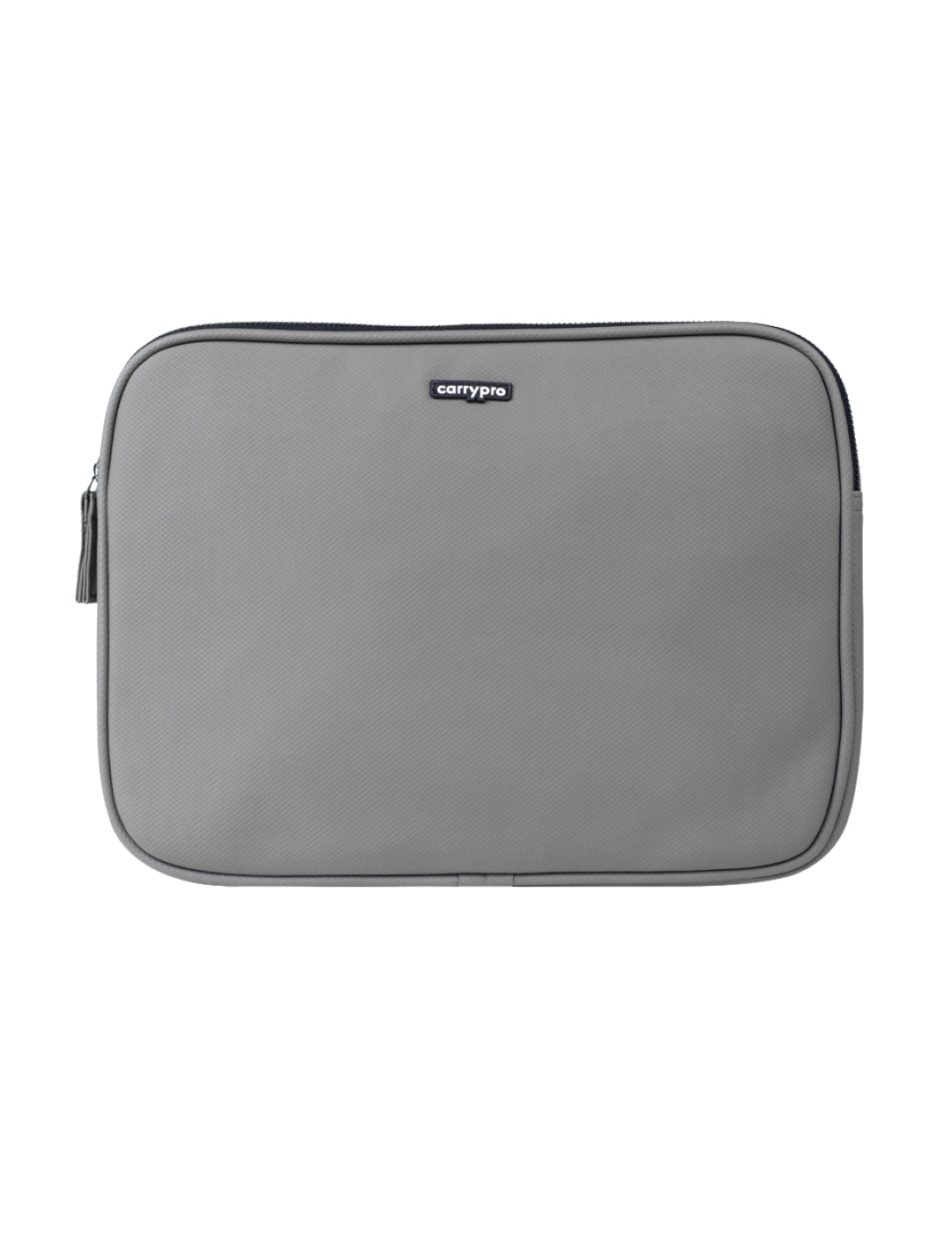
14-inch laptop bags and sleeves sized precisely for the MacBook Pro 14, Dell XPS 14, ThinkPad X1 Carbon, HP EliteBook 14, and similar models. A 15.6-inch sleeve leaves your 14-inch laptop sliding around inside. Our 14-inch laptop bags are measured to fit snugly — padded walls sit close to your screen without excess room for movement. The Pro Laptop Sleeve and Laptop Sleeve Medium both offer dense foam padding on all sides, a soft interior lining that will not scratch your screen, and a slim profile that slides into any backpack or carry bag. If you carry a 14-inch laptop, stop using a bag that was not made for it.
Why Size-Specific Sleeves Matter
A Loose Fit Is a False Sense of Protection
A laptop bouncing inside an oversized sleeve gets dented corners and cracked hinges over time. Every bump in an auto rickshaw, every drop onto an office floor, and every squeeze in a crowded Metro pushes your device against the walls of a sleeve that is too big to hold it steady. A sleeve that is too tight puts pressure on the screen when you zip it shut. Our 14-inch laptop bags are designed with internal dimensions that match 14-inch screens exactly — your laptop slides in snugly, sits against dense padding on every side, and has zero room to shift during transit.
The Pelican Case Principle
Professional camera operators and military teams use Pelican cases where the foam cutout matches the exact shape of the equipment inside. The gear does not move, so it does not break. The same principle applies to laptop sleeves. A precise fit provides better protection than thick padding in an oversized container. Our 14-inch sleeves apply this logic at a fraction of the cost — snug interior dimensions, dense closed-cell foam, and a soft lining that holds your laptop in place from the moment you zip it shut.
Screen Protection From the Inside
Most laptop damage is cosmetic — scratched screens, scuffed lids, and worn corners from daily friction inside a bag. A soft microfibre-like interior lining prevents the sleeve itself from marking your screen. Every time you slide your laptop in and out, the lining buffs rather than scratches. Over 12 months of daily use, this is the difference between a laptop that looks new and one that looks like it has been dragged across a desk every day.
Fits These Specific 14-Inch Models
Apple
MacBook Pro 14 (2021, 2023, 2024, 2025 models). All M-series chip variants fit. The sleeve accounts for the slightly thicker chassis of the MacBook Pro 14 compared to the MacBook Air, so you get a snug fit without pressure on the lid.
Windows Ultrabooks
Dell XPS 14, Lenovo ThinkPad X1 Carbon Gen 11 and Gen 12, HP EliteBook 840 G10, ASUS ZenBook 14, Acer Swift 3 14-inch, Microsoft Surface Laptop 14, and similar 14-inch ultrabooks from any brand. If your laptop's screen measures 14 inches diagonally and the chassis is under 32.5 cm wide, it fits. Check your laptop's external width and depth against the sleeve's listed internal dimensions if you are unsure about a specific model.
Slim Enough to Double as an Inner Layer
The external dimensions are slim enough to slide into any backpack laptop compartment as a second layer of protection. If your backpack already has a padded laptop sleeve but you want extra insurance for a particularly expensive machine, the 14-inch sleeve fits inside the Mojo V2.0, KYND, PRIME, HOBO25 V3.0, and HOBO40 V2.0 laptop compartments without adding noticeable bulk. A water-resistant outer shell handles light rain if you carry the sleeve on its own between your car and office.
Sleeve vs Backpack: When to Use Which
Sleeve Alone for Short Transfers
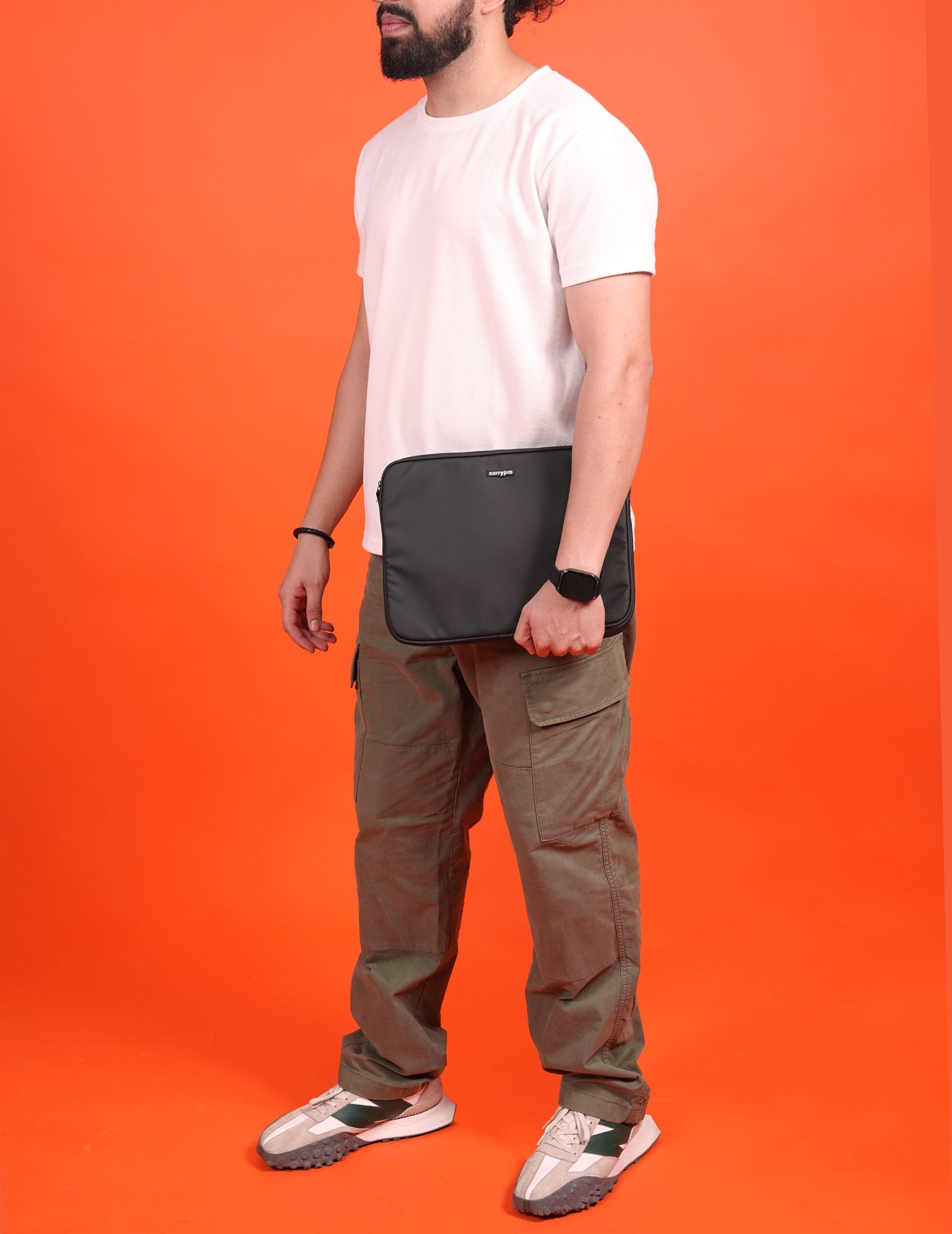
Walking from your car to the office, moving between meeting rooms, heading to a cafe from your coworking space, or commuting on a short Metro ride where you carry your laptop in hand. A sleeve gives you grab-and-go protection without loading up a full backpack. It is the fastest way to move your laptop between two nearby locations.
Sleeve Inside a Backpack for Full Commutes
For commutes over 15 minutes, flights, train travel, and any situation where your bag faces rough handling, use the sleeve inside a backpack for double protection. The backpack's padded compartment absorbs external impacts. The sleeve prevents internal movement and screen scratches. Together, they give your 14-inch laptop the best possible protection during Indian commute conditions — auto rickshaw bumps, Metro crowds, and monsoon rain.
Backpack Alone When Weight Matters
If you want to minimise carry weight and your backpack already has a well-padded laptop compartment (like the Mojo V2.0 or PRIME), the built-in sleeve is sufficient for daily commutes. Add the separate 14-inch sleeve only when you need extra protection for travel, rough transit, or situations where your bag gets tossed around more than usual.
Frequently Asked Questions
Will a 14-inch laptop sleeve fit my MacBook Pro 14?
Yes. The 14-inch laptop sleeve is sized specifically for the MacBook Pro 14 across all generations (2021 through 2025, all M-series chip variants). The interior dimensions accommodate the MacBook Pro 14's chassis width, depth, and thickness including the slightly thicker profile compared to the MacBook Air. Your device slides in snugly with padding on all sides and no excess room for shifting.
Can I use a 15.6-inch sleeve for a 14-inch laptop?
You can, but you should not. A 15.6-inch sleeve leaves roughly 2 to 3 cm of extra space on each side. That gap lets your laptop slide and bounce with every bump, which defeats the purpose of a padded sleeve. Over months of daily use, the repeated micro-impacts from shifting inside an oversized sleeve cause dented corners, loose hinges, and cosmetic damage. A size-matched sleeve eliminates movement entirely.
Is the 14-inch laptop sleeve waterproof?
The outer shell is water-resistant, not fully waterproof. It handles light rain, splashes, and condensation from a cold drink placed on top of it. If you carry the sleeve on its own during a brief walk in drizzle, your laptop stays dry. For heavy sustained rain, carry the sleeve inside a backpack with a rain cover deployed. The water-resistant coating prevents moisture from soaking through during normal commute conditions.
Does the sleeve fit inside a CarryPro backpack?
Yes. The 14-inch sleeve slides into the laptop compartment of the Mojo V2.0, KYND, PRIME, HOBO25 V3.0, Overnighter 30L, and HOBO40 V2.0 without adding noticeable bulk. This gives you two layers of padded protection: the sleeve absorbs direct contact and prevents scratches, while the backpack compartment absorbs external bumps and drops. This double-layer setup is recommended for flights, train travel, and rough commute conditions.
What is better: a laptop sleeve or a laptop backpack?
A laptop sleeve is a slim padded envelope that protects your screen and slides into another bag or carries on its own for short trips. A laptop backpack is a standalone bag with a built-in padded compartment, shoulder straps, and room for other items. If you already have a backpack, a sleeve adds an extra layer of protection inside it. If your laptop is your only carry and you walk more than 10 minutes, a backpack with a built-in laptop compartment is more practical and comfortable.
Which 14-inch laptop sleeve should I choose: Pro Laptop Sleeve or Laptop Sleeve Medium?
The Laptop Sleeve Medium is designed specifically for 13 to 14-inch screens and provides the snuggest fit for 14-inch models. The Pro Laptop Sleeve fits 14 to 15.6-inch screens, so it accommodates a 14-inch laptop with slightly more room. If you only carry a 14-inch laptop, the Medium gives the tightest, most protective fit. If you occasionally switch between a 14-inch and a 15.6-inch machine, the Pro covers both sizes.
How thick is the padding in the 14-inch laptop sleeve?
The sleeves use dense closed-cell foam padding on all six sides (front, back, top, bottom, left, right). The foam is thick enough to absorb drops from desk height and compression from being squeezed in a crowded bag. The interior lining is soft enough to prevent any scratching on your screen or chassis. The overall sleeve thickness adds less than 1 cm to each side of your laptop, keeping the profile slim enough for any backpack compartment.
Can I carry the sleeve on its own without a backpack?
Yes. The sleeve works as a standalone carry for short trips: walking to a meeting room, heading to a cafe, or moving between your car and office. The water-resistant outer shell handles light rain and splashes. For commutes longer than 15 minutes or situations involving rough handling (flights, trains, crowded public transport), carry the sleeve inside a backpack for full protection.